Dental Emergency Call Answering Script: What to Capture
A safe, practical dental emergency call flow for after-hours AI receptionists: what to ask, what to route, what not to diagnose, and how to hand off to the on-call dentist.
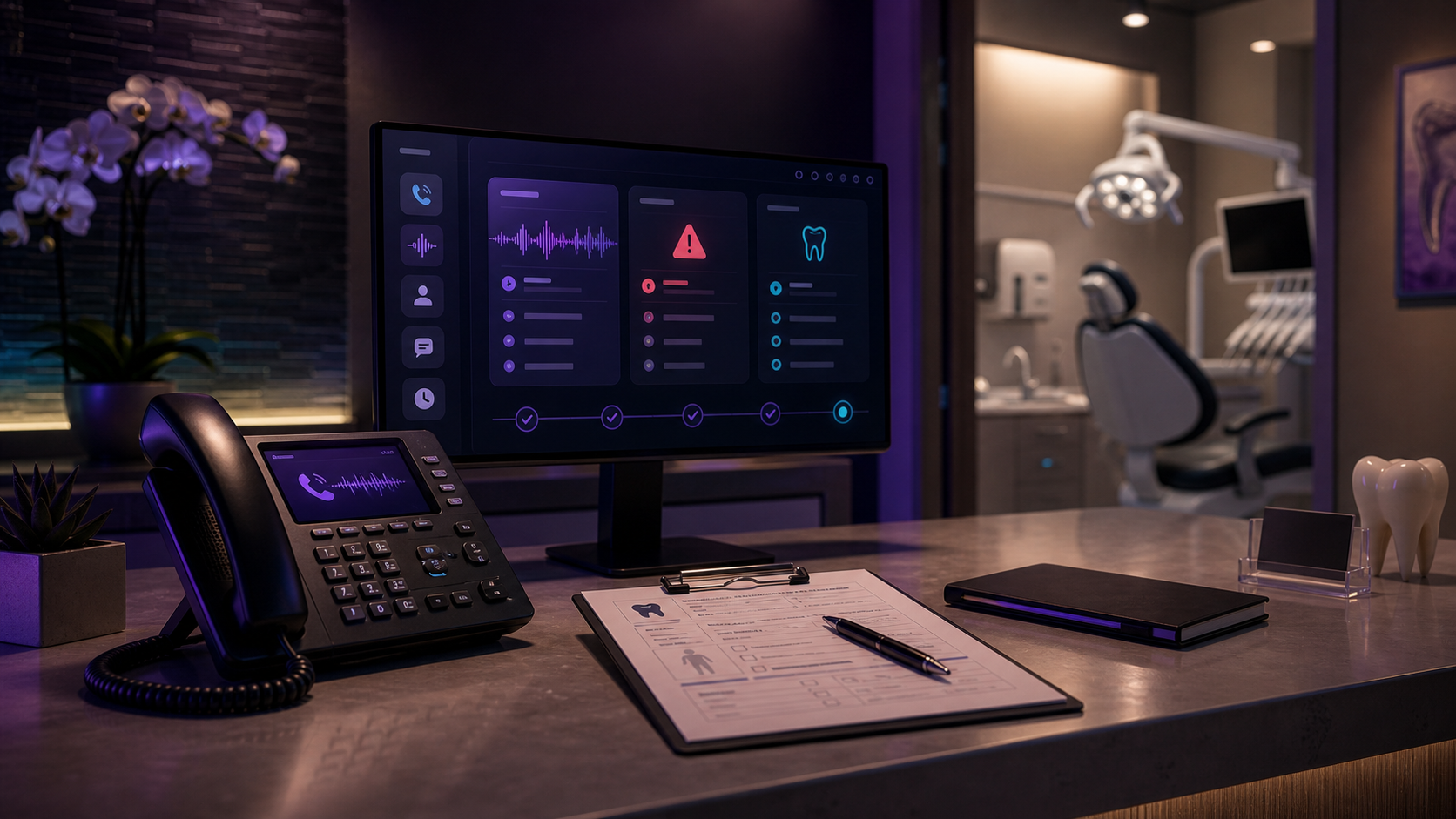
In this article· 11 sections
- 01The boundary: intake, not clinical judgment
- 02The first 20 seconds
- 03The core questions
- 04The routing categories
- 05Knocked-out tooth path
- 06Swelling path
- 07Lost crown or broken tooth path
- 08What the handoff should look like
- 09What not to automate first
- 10The dental office version I would deploy
- 11Sources reviewed
Dental emergency calls are exactly where an AI receptionist can help — one slice of the wider front-desk overflow problem — and exactly where it can become dangerous if you let it do the wrong job.
The right job is not diagnosis.
The right job is structured intake: answer quickly, calm the caller, collect the facts, identify red flags according to the practice’s policy, and route the call to the right human path.
That is what this script is for.
The boundary: intake, not clinical judgment
An AI receptionist should never tell a patient what condition they have, whether they need antibiotics, whether pain is “serious,” or whether they can wait safely without a dentist’s review.
It should say a version of:
“I can collect the details and route this according to the office’s emergency policy. If you are having trouble breathing, uncontrolled bleeding, facial swelling that affects breathing or swallowing, or a serious injury, seek emergency medical care now.”
Then it should gather facts.
The American Dental Association’s practice guidance emphasizes after-hours availability for patients of record. The American Association of Endodontists also stresses speed for traumatic injuries like knocked-out teeth. That is the operating model: fast access, clean facts, clear escalation.
The first 20 seconds
The opening matters because callers are often anxious.
Use a calm script:
“Thanks for calling. I can help route your dental emergency. First, are you having trouble breathing, trouble swallowing, uncontrolled bleeding, or swelling that is spreading rapidly?”
If yes, the AI should follow the practice’s emergency policy. In many practices, that means instructing the caller to seek emergency medical care and alerting the on-call dentist or staff path.
If no, continue.
The first 20 seconds should establish safety before scheduling.
The core questions
Every dental emergency intake should capture:
- Caller name
- Patient name
- Callback number
- Existing patient or new patient
- Patient age
- Main issue in the caller’s own words
- When it started
- Pain level from 1 to 10
- Swelling, fever, trauma, bleeding, or difficulty swallowing
- Tooth location if the caller knows it
- Lost crown, broken tooth, knocked-out tooth, abscess concern, or other category
- Whether the patient is available today or tomorrow
- Whether the caller has already taken any action
The AI should not force medical language. It should let the patient describe the problem, then map it into the practice’s routing categories.
The routing categories
I like four buckets.
Emergency red flag
Examples: breathing or swallowing difficulty, uncontrolled bleeding, serious facial trauma, rapidly spreading swelling, medical emergency symptoms.
Action: follow emergency policy, tell caller to seek emergency medical care where appropriate, and alert the practice’s on-call path.
Dental emergency
Examples: knocked-out permanent tooth, severe pain, significant swelling, trauma, suspected abscess, broken tooth with severe pain, post-procedure complications that the practice wants escalated.
Action: notify on-call dentist or designated staff with the full summary.
Urgent dental issue
Examples: lost crown, broken filling, chipped tooth with discomfort, pain that is not severe, sensitivity, localized issue without red flags.
Action: queue for next available appointment or callback according to policy.
Routine
Examples: reschedule, billing, insurance, cleaning, non-urgent crown concern, general FAQ.
Action: book or queue normally.
This matters because “dental emergency” is too broad. If every call wakes the dentist, the workflow fails. If no calls wake the dentist, the workflow is unsafe.
Knocked-out tooth path
For a knocked-out permanent tooth, speed matters. The American Association of Endodontists says to handle the tooth by the crown, keep it moist, and see a dentist or endodontist quickly.
The AI should not improvise treatment advice. It can say:
“I am going to alert the emergency path now. I also need to capture a few details so the dentist knows what happened.”
Then capture:
- Adult tooth or baby tooth if known
- Time of injury
- Whether the tooth is available
- Whether there was head injury or loss of consciousness
- Bleeding status
- Patient location and callback
If the practice has approved tooth-preservation language, the AI can use it. If not, it should stick to routing and escalation.
Swelling path
Swelling is one of the most important categories because it can range from localized dental infection to something that needs urgent medical care.
The AI should ask:
- Where is the swelling?
- Is it getting worse quickly?
- Is there fever?
- Is there trouble swallowing?
- Is there trouble breathing?
- Is the eye, neck, or jaw affected?
- Is the patient an existing patient?
Then route according to policy.
It should not say, “This sounds like an abscess,” even if it probably does. The summary can say, “Caller reports swelling, pain level 8, fever, no breathing difficulty reported.”
Facts, not diagnosis.
Lost crown or broken tooth path
These calls often feel urgent to the patient but may not require immediate after-hours dispatch.
The AI should capture:
- Crown, filling, veneer, bridge, or tooth fracture
- Pain level
- Sharp edge or soft tissue irritation
- Sensitivity to hot/cold
- Whether the crown or broken piece is available
- When it happened
- Availability for next appointment
The output should help staff decide whether this is same-day, next-day, or routine scheduling.
What the handoff should look like
A good AI receptionist summary should be compact enough to read on a phone:
“Emergency dental call. Existing patient: Sarah M. Callback: 555-0100. Issue: severe lower-right tooth pain since yesterday, pain 9/10. Reports swelling on right cheek and fever. Denies trouble breathing or swallowing. Available tonight or tomorrow morning. Wants callback ASAP.”
That summary is useful. A generic transcript dump is not.
The handoff should include:
- Category
- Urgency
- Patient/caller info
- Key symptoms reported
- Red flags yes/no
- Appointment availability
- Recommended next action according to policy
What not to automate first
Do not start with clinical advice.
Do not let AI decide whether antibiotics are needed.
Do not let AI interpret X-rays, photos, or symptoms as a diagnosis.
Do not promise a specific outcome.
Do not let AI override the practice’s emergency policy.
The safest first deployment is answering, intake, routing, appointment queueing, and summaries. That alone removes a lot of after-hours chaos. That intake is still patient information, so run the HIPAA-compliant AI receptionist checks before you forward the line: a BAA before go-live, category-level details, and a human for red flags.
The dental office version I would deploy
For most practices, I would build this:
- AI answers after-hours and overflow calls.
- It checks red flags first.
- It classifies the call into emergency, urgent, routine, or admin.
- It captures the five fields that matter on a dental overflow call.
- It routes emergencies to the on-call path.
- It queues urgent/routine calls for scheduling.
- It texts the caller confirmation when appropriate.
- It sends staff a clean summary.
That is the practical version of a Dental Emergency Call Answering AI. It is not magic. It is disciplined phone operations.
If you want me to map your after-hours call policy into this shape, send it through the free workflow audit.