Dental Overflow Calls: AI Receptionist vs Answering Service
Can AI handle dental overflow calls? AI receptionist vs answering service cost ($8k once vs $200–1,200/mo), the missed-call math, and what to fix first.
In this article· 7 sections
- 01What dental front desks actually do all day
- 02The missed-call problem is bigger than it looks
- 03Can AI handle dental overflow calls? Your three options
- 04Recall and no-show prevention: the revenue that’s already yours
- 05Where the AI Receptionist earns its cost — and where it doesn’t
- 06When this isn’t the right move yet
- 07If your situation matches this
If you run a dental practice and your front desk is constantly underwater — answering calls while checking in a patient, chasing insurance authorizations while someone waits at the counter — you’ve probably wondered whether AI can actually handle the overflow, or whether it’s just another system to configure, train, and manage.
Short answer: Yes — AI handles dental overflow calls well, and for less than a human answering service over any real time horizon. A service runs $600–$2,000/month forever and usually just takes a message; my AI Receptionist is $8,000 once, you own it, and it books appointments and runs recalls. But it only earns its cost in specific places — overflow, after-hours, intake, recall, no-show prevention — not everywhere. Which one to fix first depends on where your biggest revenue leak actually is.
What dental front desks actually do all day
Most practice owners I talk to underestimate the scope of what their front-desk team carries. In a typical day, they’re:
- Answering inbound calls — new patients, existing patients, billing questions, “what are your hours” for the sixth time
- Working the recall queue: reaching patients who are overdue for hygiene, follow-ups, or treatment they said they’d schedule back
- Verifying insurance coverage before tomorrow’s appointments
- Handling no-show follow-ups and rescheduling the gaps
- Running new-patient intake: collecting insurance info, medical history, reason for visit
- Fielding the clinical-adjacent questions that are too basic for the dentist but not simple to handle quickly
Front-desk teams spend well over half their working day on phone-related tasks — and the average practice handles around 300 inbound calls a month, per Resonate’s 2026 dental call data. That’s a load of communication and coordination, none of which requires an in-person presence or deep clinical judgment.
When one or two people carry that load, interruptions compound. The call that comes in during check-out doesn’t wait. The insurance verification that runs long pushes the recall queue to tomorrow. Every miss cascades. And when a call goes unanswered, the cost is real and immediate.
The missed-call problem is bigger than it looks
Dental practices miss roughly one in three inbound calls during business hours. Estimates as of 2026 run from 32% to 38% — a Peerlogic case study tracking 4,280 calls across 26 practices found 38% went unanswered, and during busy lunch and afternoon windows that rate can climb past 50%. Only about 14% of callers leave a voicemail; the rest just move on.
The annual revenue cost is steep. Industry estimates put missed-call losses at $100,000–$150,000 a year for the average practice, with each missed new-patient call worth roughly $850 in first-year revenue and far more in lifetime value. Some callers try again. Many won’t — especially new patients who found you through search and have two other options a tap away. Spanish-speaking patients who hit an English-only voicemail drop even faster; if that is your leak, the bilingual AI receptionist cost breakdown is the right companion to this overflow math.
The timing makes it worse. Peak miss windows are predictable — late morning (11:30 a.m.–1:30 p.m.) and mid-afternoon (3:00–4:30 p.m.) — exactly when the team is managing checkouts, lunch coverage gaps, and the afternoon wave of confirmations. That’s not a staffing failure. It’s a structural mismatch between demand and capacity that a second hire doesn’t reliably fix, because peak volume is concentrated, not spread evenly across the day.
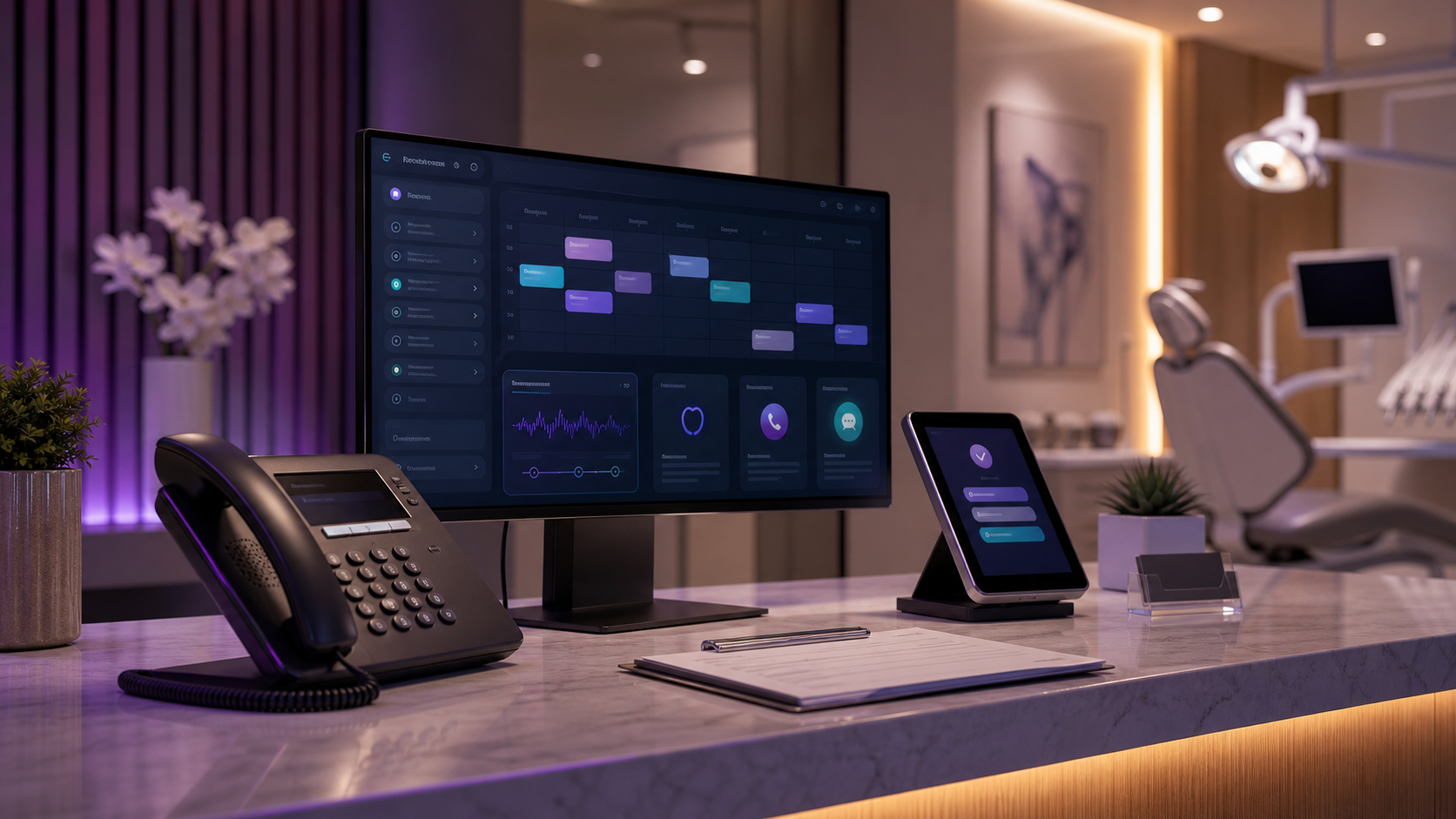
An AI phone agent handles overflow by being available for every call — at 3 p.m., at 8 p.m., on a Saturday. It qualifies the caller, captures the details that actually matter on an overflow call — name, insurance provider, reason for visit, preferred callback time — and can book appointments directly if your practice management system supports scheduling integration. No hold music. No forgotten insurance provider.
Can AI handle dental overflow calls? Your three options
Yes — and the practical question is which overflow option you’d hand it to instead. When the front desk can’t pick up, the call goes somewhere: a second hire, a human answering service, or an AI agent. Here’s how the three compare on cost and what they actually do, using mid-2026 pricing.
| Overflow option | Typical cost | Books appointments? | Runs recalls / after-hours? |
|---|---|---|---|
| Second front-desk hire | ~$40k–$50k/yr + benefits | Yes | Only during their shift |
| Human answering service | $600–$1,200/mo, forever | Rarely — usually message-only | After-hours yes, recalls no |
| Dental call center | $800–$2,000/mo, forever | Limited, with PMS access | After-hours yes, recalls limited |
| AI Receptionist (mine) | $8,000 one-time, you own it | Yes, with PMS integration | Yes, 24/7 |
The answering-service math is the one most owners miss: at $900 a month, you cross the $8,000 one-time deployment cost in under a year — and you’re still paying every month after that for a service that, in most cases, only takes a message instead of booking the appointment. If you want a deeper breakdown of those tradeoffs, I laid them out in AI receptionist vs answering service vs missed-call text-back. Chiropractic offices hit the same overflow during adjusting hours; I mapped the chiropractor answering service cost against Smith.ai and Ruby separately.
For most dental practices I work with, this is the highest-return workflow to start with. Not because the technology is impressive — because the cost of the missed call is immediate and traceable. If you want me to pinpoint where the missed calls are landing in your practice — peak-hour overflow, after-hours, or specific call types — send your current call flow through the free audit.
Recall and no-show prevention: the revenue that’s already yours
The cheapest revenue to recover is the appointments you’ve already booked. Most dental no-shows come down to patients simply forgetting, and an automated reminder-and-recall workflow catches that before the chair sits empty — typically pulling a 15% no-show rate down to 4–5%.
Industry no-show rates in dental average around 15% and run as high as 30% depending on how systematically a practice manages outreach. The leading cause — accounting for roughly 36% of no-shows — is forgetfulness. Not cost anxiety, not a scheduling conflict, not disinterest. The patient forgot.
That’s a problem AI handles cleanly.
Automated reminders cut no-shows hard: a study of more than 1.6 million appointments across 64 dental practices found they reduced no-shows by about 23% versus manual outreach, and text reminders specifically land no-show rates near 1.9% (SMS open rates hit 98%, versus 21% for email). A properly configured recall workflow — a reminder at 48 hours out, a confirmation request at 24 hours, a same-day check-in message — catches forgetfulness before it becomes a missed slot. Practices running these systems consistently get their no-show rates down to 4–5%.
The math is straightforward. If you’re running 20 appointment slots per day and your no-show rate drops from 15% to 5%, you recover three billable slots daily. That’s arithmetic, not a projection.
The same logic applies to the overdue recall list. Most practices have a backlog of patients who haven’t been in for 12+ months and a team member who’s supposed to reach them when time allows. “When time allows” usually means it doesn’t happen systematically. An AI agent works that list continuously — outreach, scheduling, and confirmation — without it falling to the bottom of anyone’s queue.
What AI can’t fix: structural no-shows driven by unresolved billing friction, ongoing insurance disputes, or patients who have quietly decided to find another practice. Reminders fix forgetfulness. They don’t repair a fractured patient relationship.
Where the AI Receptionist earns its cost — and where it doesn’t
A clear breakdown:
AI handles well:
- After-hours and peak-hour overflow calls
- New-patient intake: collecting the basics before the call reaches a human
- Recall outreach to overdue hygiene patients
- FAQ deflection: hours, location, parking, general pricing range, what to bring to a first visit
- Appointment reminders and confirmation loops
Still needs a human:
- Complex insurance benefit explanations and disputes
- Clinical questions that need a clinician or treatment coordinator
- Anxious or upset patients who need patience and de-escalation
- Same-day emergencies with multiple moving parts and time pressure
The goal isn’t to replace your front-desk team. It’s to stop the phone from being the interruption that cascades into everything else. Your most experienced front-desk person is too valuable to spend 25 hours a week answering “do you take my insurance” and manually dialing down a recall list. That time belongs on the interactions that actually require a human — the complex scheduling conversation, the new patient who has a lot of questions, the insurance dispute that takes three calls to resolve.
When this isn’t the right move yet
I’ll be direct about the cases where this doesn’t pencil out:
You’re already at capacity with a low no-show rate. If your schedule is reliably full and your missed-call rate is low, the lift from AI phone handling won’t move revenue. The tool earns its cost by recovering what’s slipping through — if nothing significant is slipping, the math changes.
Your scheduling system is a mess. If appointment types, duration rules, and provider availability aren’t accurately configured in your practice management software, handing scheduling to an AI agent creates new errors faster than it solves old ones. Get the system clean first.
You’re expecting to cut headcount immediately. I deploy this to help good people do more valuable work, not to eliminate positions. If the financial model requires removing a salary on day one to justify the deployment, the expectations need recalibrating.
Your practice is very small and every patient relationship is deeply personal. Some practices run on familiarity — patients expect to reach the same person every time, and that’s their competitive experience. If that’s your differentiator, adding an AI layer at the front end may feel off-brand. It’s worth thinking through before deploying rather than after.
The practices where this works best: growing, missing calls during peak hours, running recalls manually or inconsistently, and wanting front-desk time focused on higher-value work.
If your situation matches this
The deployment shape for dental clinics covers the specifics — which practice management systems connect cleanly, what the call flow looks like, what to expect in the first 30 days, and the full cost comparison against a front-desk hire.
The one-time deployment cost is $8,000. No monthly per-seat fees from me — you own the resulting setup. If you want to understand whether your practice’s call volume and no-show rate makes that break even, the real math is already laid out. Against a full-time hire, breakeven happens inside three months. Against the revenue from recovered missed calls, sometimes faster.
Start with your biggest leak. For most dental practices, it’s the phone.
FAQ
How much does an AI receptionist cost for a dental practice? +
Michael's AI Receptionist is a one-time deployment cost of $8,000, with no monthly per-seat fees from him — you own the resulting setup. That's different from subscription tools that bill you every month. Against a full-time front-desk hire, the post notes breakeven happens inside three months, and sometimes faster when you count the revenue from recovered missed calls.
Can AI actually help my dental front desk, or is it just one more system to manage? +
It can help, but only in specific places — which ones depend entirely on where your biggest revenue leak is. AI handles overflow and after-hours calls, new-patient intake, recall outreach, FAQ deflection, and appointment reminders well. The goal isn't to replace your team, but to stop the phone from being the interruption that cascades into everything else.
What dental front-desk tasks should still be handled by a human, not AI? +
Complex insurance benefit explanations and disputes, clinical questions that need a clinician or treatment coordinator, anxious or upset patients who need de-escalation, and same-day emergencies with multiple moving parts all still need a human. AI fixes forgetfulness and overflow; it doesn't repair a fractured patient relationship or resolve an insurance dispute that takes three calls. Your most experienced front-desk person's time belongs on those higher-value interactions.
Will an AI agent reduce no-shows at my dental practice? +
Yes, for the no-shows caused by forgetfulness — which the post notes accounts for 36% of them. Automated reminder systems reduce no-show rates by roughly 23% compared to manual outreach, and practices running a proper recall workflow consistently get no-show rates down to 4–5%. What it won't fix are structural no-shows driven by billing friction, insurance disputes, or patients who've quietly decided to leave.
When is an AI receptionist NOT the right move for a dental practice? +
If your schedule is reliably full with a low missed-call rate, there's little slipping through for the tool to recover, so the math changes. It's also a bad fit if your scheduling system isn't accurately configured — handing scheduling to AI then creates errors faster than it solves them — or if you're expecting to cut a salary on day one. And if your practice runs on every patient reaching the same familiar person, an AI layer at the front end may feel off-brand.
Is an AI receptionist cheaper than a dental answering service? +
Over any real time horizon, yes. A human dental answering service runs $600–$1,200 a month and a dental call center $800–$2,000, both forever, and most only take a message. My AI Receptionist is $8,000 once — you own the setup and there's no monthly bill from me. A $900/month service crosses that $8,000 in under a year, and unlike message-taking it can book the appointment, run recalls, and handle overflow at 3 p.m. and 8 p.m.