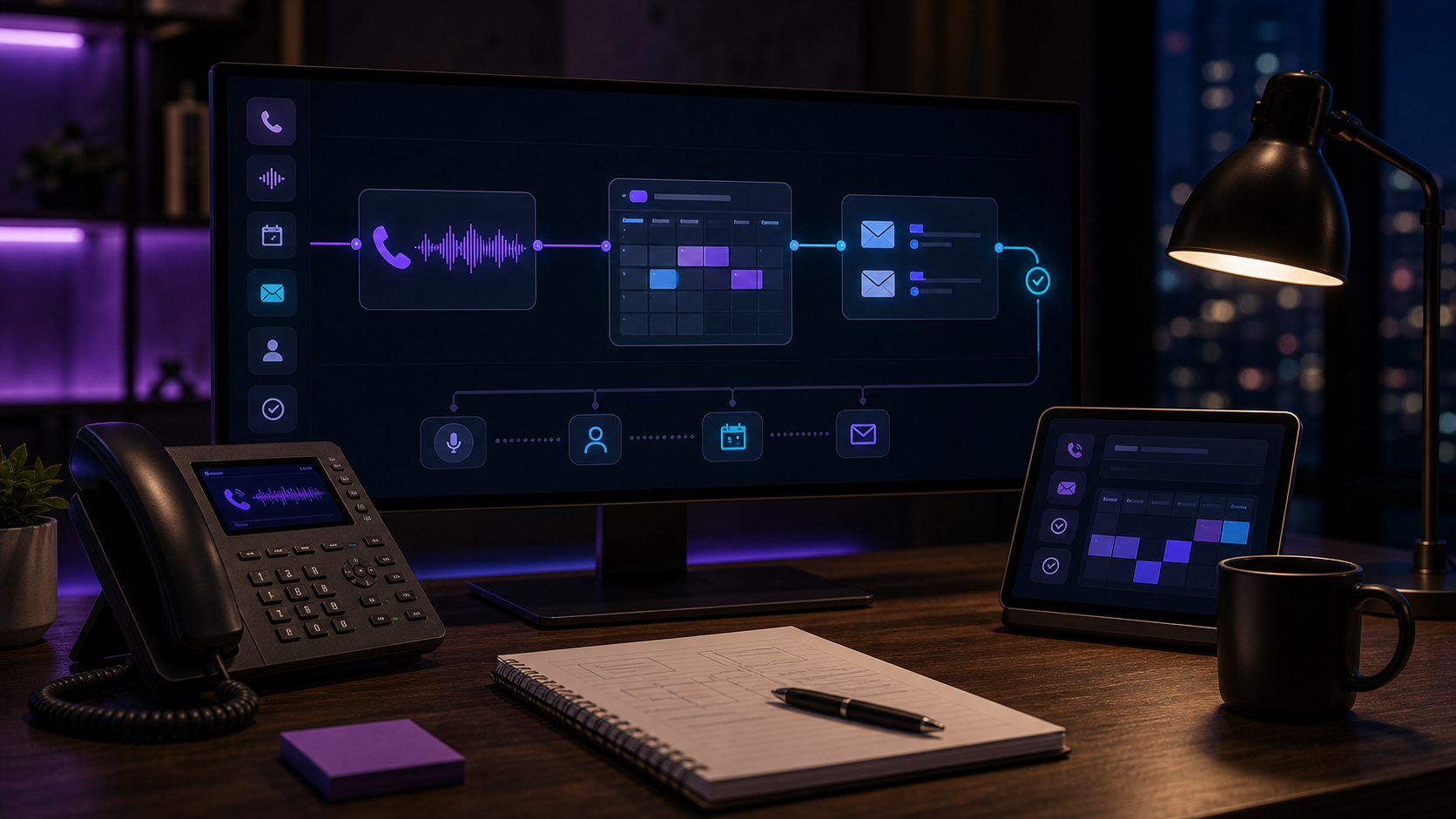
AI Receptionist CRM Notes: the Call-to-CRM Workflow
AI receptionist CRM notes: how inbound calls auto-log to HubSpot, Pipedrive, or GoHighLevel — transcript, urgency flag, follow-up task, and owner alert, no manual entry.

In this article· 7 sections
Every inbound call a service business gets represents a potential client, a scheduled appointment, or a problem. The call ends. The AI handled it. And then — in most operations — nobody logs it. The owner meant to. The note never got written. Three days later a follow-up call comes in with no record of the first one.
That’s the gap I built the CRM-notes workflow to close.
Short answer: Yes, AI can write your CRM notes after every call. The agent captures the transcript, extracts caller name, issue type, urgency level, and any commitments made, writes a structured note to your CRM, creates a follow-up task, and pings you on Telegram if the call needs action. You review exceptions — not logs.
Why call logging is always the first thing to break
68% of sales professionals say note-taking and data input are their most time-consuming work, according to HubSpot’s 2025 State of Sales report. For solo operators, it’s worse: there’s no team. There’s just you, often on the job site or in a client appointment when the next call comes in.
Manual CRM logging fails because the friction hits exactly when attention is lowest — right after a call ends, when the next task is already pulling you forward. AI solves this at the source.
The workflow map
The call-to-CRM workflow has five stages:
Trigger: Inbound call connects to the AI receptionist via Twilio or a forwarded number.
Call handling: The agent answers, collects intake — caller name, callback number, reason for calling, urgency. For routine calls it schedules or routes. For unusual ones it escalates.
AI summary: Once the call ends, the agent processes the transcript. It extracts: caller name and number, issue type, urgency classification (routine / needs callback / urgent), any commitments made, and the call outcome.
CRM write: The agent posts a structured note to your CRM. If the contact doesn’t exist, it creates one. The note is plain-English — what was actually said — not a form fill.
Owner alert: A Telegram ping fires only if the call needs action: a callback, escalation, or task. Routine logged calls don’t interrupt you. You see the ones that need you.
This is the AI CRM integration loop that turns a call handler into a data-capture layer.
What the CRM note actually captures
The note isn’t a transcript dump. It’s structured output:
- Caller name and number (looked up against existing contacts first)
- Reason for call (one sentence, in the caller’s own words)
- Urgency (routine / needs callback / urgent — your labels, your rules)
- Commitments made (if the agent said “we’ll call you back today,” that lands in the note)
- Call outcome (scheduled, routed, escalated, left voicemail, declined)
- Follow-up task (created automatically for anything requiring a callback)
What you get in HubSpot or GoHighLevel is a contact activity log that reads like a note a sharp receptionist would write — not a call disposition code from a legacy phone system.
The systems involved
The simplest version runs on:
- Twilio (or any VoIP layer that can hand off call transcripts)
- AI agent (Claude or GPT-4o for summarization; function calls handle the CRM writes)
- CRM with API access: HubSpot, Pipedrive, GoHighLevel, Salesforce, Jobber, or a custom Airtable base
- Telegram for owner alerts
You don’t need all of these at once. I’ve deployed this on a Google Sheet + Twilio + Telegram stack for owners who don’t have a formal CRM yet. The sheet becomes the running call log; the agent writes a row after every call. Not a full CRM — but structured data you can actually search, rather than a voicemail you forgot to replay.
For the Telegram bot CRM pattern specifically, the owner gets the alert and the CRM note simultaneously. The Telegram bot is both the alert channel and the owner console. If you’re running jobs from your truck, you’re reading call summaries between stops — not logging them later from memory.
When this isn’t the right move yet
If your CRM doesn’t have an API or can’t connect via Zapier or Make, the write step fails and you’re back to manual. Some locked enterprise CRMs — older Salesforce or Zoho deployments — need an IT unlock before any external agent can write to them.
If you’re taking fewer than 10 inbound calls a week, the workflow is real and it works, but the time savings are modest. Start with call routing or after-hours capture first, then add the CRM-write layer once call volume justifies it.
If your intake involves significant nuance — complex legal intake that has to land in Clio, Lawmatics, or MyCase, multi-session diagnostics, insurance pre-auth calls — the AI note will get the structure right but may miss clinical or legal detail your intake form was built to capture. In those cases, treat the AI note as a first-pass draft a human confirms before the CRM record is marked complete.
The math on manual logging
If you’re handling 20 inbound calls a week and spending 4 minutes per call on CRM notes, that’s 1.5 hours per week on data entry. For a solo operator, that’s time you’re not billing. For a service business paying a front desk person $20/hour, it’s $1,560 a year — just for note-taking.
The AI receptionist writes the note before you’re off the phone with the next caller.
Next step
If you’re running 15 or more inbound calls per week and your CRM isn’t capturing them consistently, this is the first workflow worth auditing. It deploys in a day and closes a gap that compounds — every logged call is a contact record that supports the next touchpoint, the next follow-up, the next closed job.
Start at michaelheredia.com/audit. Or if you’re still working through whether a full AI receptionist deployment makes financial sense, the AI receptionist vs. in-house staffing math post has the numbers.
FAQ
Which CRMs can an AI receptionist write notes to? +
Any CRM with an API or a Zapier/Make connection: HubSpot, Pipedrive, GoHighLevel, Salesforce, or a custom Airtable base. If your CRM supports HTTP webhooks, the agent can post a structured note after every call. Some lightweight tools need a middleware step first.
Does the AI understand what the call was actually about? +
Yes, when it receives a transcript or recording. The agent extracts caller name, issue type, urgency, and any commitments made, then writes a plain-English summary — what was said, not a template fill-in. The caller's own language lands in the note, not a form code.
What happens if the call is an emergency? +
Urgency classification happens first. An emergency triggers a priority Telegram or SMS alert before — and in parallel with — the CRM write. You get the call flag immediately; the full CRM note follows within 30 seconds. The log never blocks the alert.
Can the AI create the CRM contact if the caller isn't already in the system? +
Yes. The agent checks for an existing contact by phone number, creates one if none exists, then attaches the call note. You can configure whether phone number or name is the lookup key, depending on how your CRM is organized.
How long does it take to write the CRM note after the call ends? +
Under 30 seconds for most calls. Transcript extraction, AI summarization, and the CRM API write happen in sequence. If the CRM's API is slow, the Telegram alert still fires immediately while the write catches up.