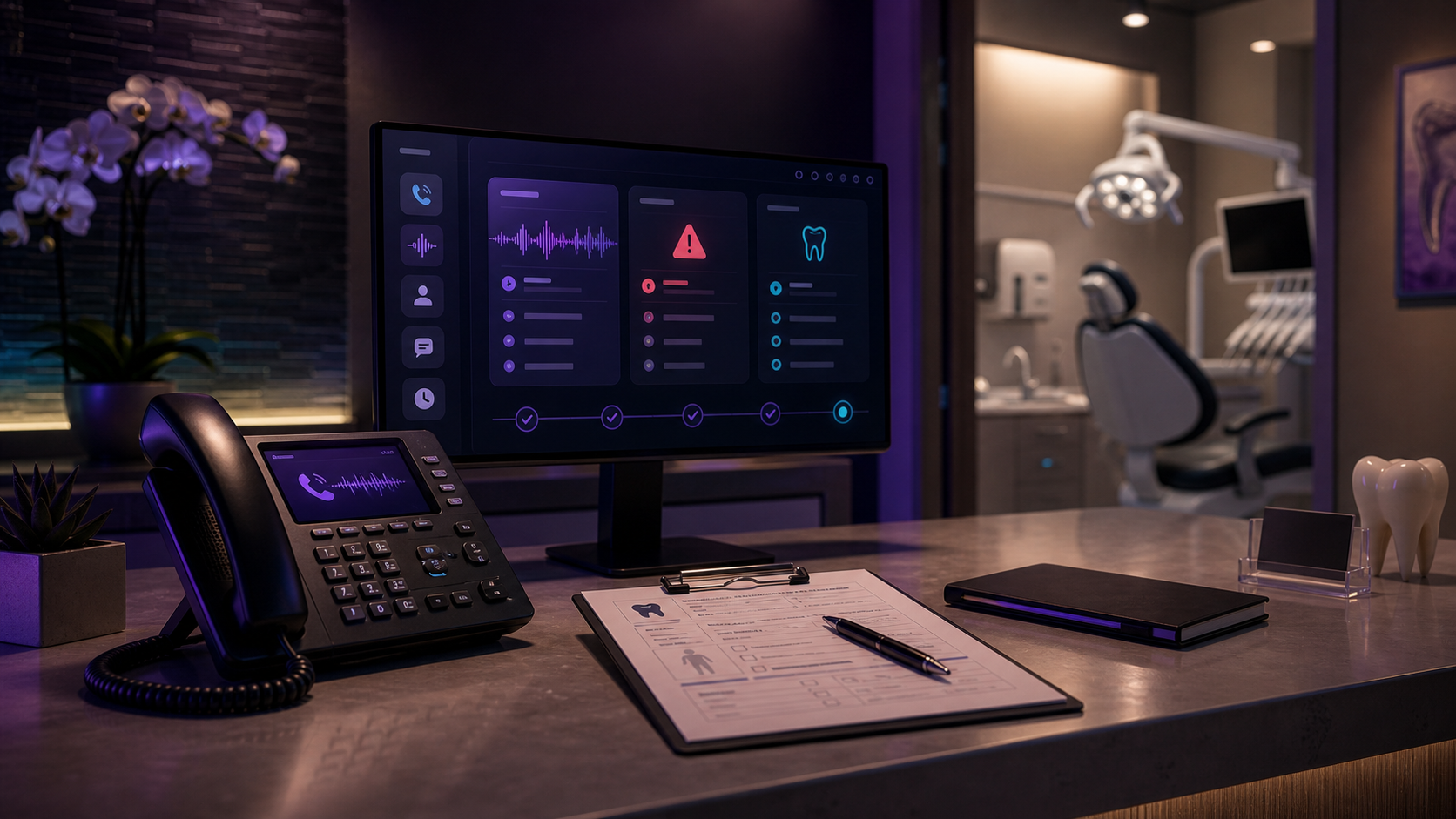
Central Call Management for Multi-Location Dental Practices
Central call management for dental practices: route every line and location to one AI front desk, write to one PMS, escalate emergencies — $8k once, not per call.

A two-location dental group I looked at earlier this year had a leak nobody could see on the schedule. Each office answered its own line. When both front desks got slammed at 9 a.m. — checkouts, an insurance call, a walk-in — new-patient calls rolled to voicemail at one office while the other sat idle. Same owner, same brand, two phone systems that didn’t know the other existed.
That gap costs real money. Industry estimates put a single new-patient call at roughly $850 in first-visit revenue and several thousand more in lifetime value, and busy practices miss a large share of calls during business hours (Scheduling Institute). Multiply that across locations that can’t back each other up, and “we’re a little short-staffed at the front” turns into six figures a year.
Short answer: Central call management for dental practices means routing every line and location through one front desk so no call depends on whether a specific person picks up. An AI receptionist answers, identifies the office and the reason, writes a structured note to your PMS, and escalates true emergencies to the on-call dentist. The schedule stays the source of truth; the agent handles the repeatable intake around it.
What does “central call management” mean for a dental practice?
Central call management means one system owns every inbound call — across locations, lines, and after hours — instead of each desk fending for itself. A patient calling “the dentist” doesn’t care which building answers. They care that someone picks up, books them, and knows their history.
Most groups grow into a mess: a main line, a new-patient line, a billing line, and a separate setup per office. When one desk is buried, calls don’t overflow to a teammate — they overflow to voicemail. Centralizing fixes the routing problem first and the staffing problem second.
If you’re still deciding whether AI belongs in your front office at all, my broader take on AI for small business is the place to start. This post is the dental-specific version.
What does the workflow actually look like?
Every call follows the same path: the AI answers, identifies the office and reason, acts on it, writes to your system of record, and escalates anything it shouldn’t decide alone. That last step is what keeps it safe.
Here’s the map I deploy:
- Trigger: A call hits any line — main, new-patient, after-hours overflow, or a location that’s slammed.
- AI action: The agent greets the caller, confirms which office they want, and handles the reason: book a new-patient exam, take a recall, answer “do you take my insurance,” or open an emergency triage flow.
- System of record: It writes a clean, structured note straight into your PMS or CRM — name, number, location, reason, insurance, urgency. One format, every time. (The five fields that actually matter on a busy call are the ones I broke down in what your front desk misses when it’s slammed.)
- Human escalation: A true emergency — severe pain, swelling, trauma, a knocked-out tooth — triggers your defined path immediately: a text or call to the on-call dentist. Anything outside the agent’s rules gets flagged for a human, not guessed at.
The agent never diagnoses and never improvises on clinical questions. It captures and routes. Judgment stays with your team.
What should you centralize first?
Start with after-hours and overflow, not your whole phone system. Those are the calls already going to voicemail, so there’s no risk of breaking something that works — you’re only catching what you’re losing today.
Once after-hours and overflow are landing as clean notes in one place, add the new-patient line. New-patient capture is where the $850 calls live, and it’s the easiest win to measure: count the booked exams that used to be voicemails.
Leave the nuanced, relationship-heavy calls — treatment-plan questions, upset patients, complex insurance disputes — with your team for now. The goal isn’t to replace the front desk. It’s to stop making them choose which ringing line to ignore.
PMS integration is the part that decides whether this actually works; if the agent can’t write into the system your team opens every morning, you’ve added an inbox instead of removing one. I covered how to judge that in the best AI receptionist for dental offices.
Is an AI front desk cheaper than in-house central scheduling?
For a group with more than one location, yes — mostly because the cost doesn’t scale with call volume or sites. A centralized scheduling pod means salaries; a per-call answering service meters you; an owned agent is a fixed build.
Dental front-desk pay now runs about $38,000–$46,000 a year before benefits (Glassdoor, Salary.com, 2026). Here’s how the three real options compare for a multi-location practice:
| In-house scheduling pod | Outsourced call center | Owned AI front desk | |
|---|---|---|---|
| Upfront cost | Hiring + training | Low setup | $8,000 once |
| Ongoing cost | $38k–$46k+/yr per person | $200–$1,200/mo, often per-call | Usage + hosting, a few $/day |
| Scales to a 3rd location | Hire again | Bill goes up | No new fee |
| Writes to your PMS | If trained to | Rarely clean | Built in |
| You own it | N/A | No | Yes |
The wedge is ownership. A subscription receptionist charges you more every time your practice grows; a build you own doesn’t. If you want the full one-time-vs-subscription math, I wrote it up in AI receptionist pricing.
When isn’t central call management the right move yet?
If you’re a single location with one front-desk person who answers nearly every call, you don’t need this yet — you need overflow coverage, not a central system. Centralizing makes sense when calls cross lines or locations and fall through the gaps.
Skip it for now if:
- You’re one office and rarely miss calls. Fix recall and after-hours first; that’s cheaper.
- Your PMS can’t accept structured notes from an outside system. Solve the integration before the agent, or you’ll create double entry.
- Your team distrusts automation on the phones. Roll it out on the dead after-hours window first and let the booked appointments earn buy-in.
Better to deploy the narrow version that works than the all-locations version that your front desk quietly routes around.
If this matches your situation, the deployment shape I’d build for you looks like the one on my AI receptionist for dental clinics page — one AI Receptionist answering every line, routing by office and urgency, writing to your PMS. The fastest way to see whether it fits is a free audit: fill out the short form, and I’ll send back a call-flow map for your practice within 24 hours.
FAQ
Can one AI receptionist handle calls for multiple dental locations? +
Yes. One agent answers every line, identifies which office the caller wants, and routes by location, urgency, and call type. New-patient requests, recalls, and insurance questions land in the right office's schedule instead of bouncing between front desks that can't see each other.
How does the AI know which office or dentist to route an emergency to? +
You set the rules once: by location, by on-call dentist, by hours. A true emergency (severe pain, swelling, trauma) triggers your defined path immediately — a text or call to the on-call provider. Everything else is captured and queued for the right office's morning.
Does central call management work with my practice management software? +
It should write directly to your PMS or CRM so the schedule stays the source of truth. If the agent can't write a clean structured note into the system your team already opens every morning, you don't have central call management — you have a second inbox to check.
How much does an AI front desk cost for a dental group? +
I deploy one for $8,000 once, and you own it. There's no per-call or per-minute meter, so adding a third or fourth location doesn't add a subscription line. You pay for model usage and hosting, which runs a few dollars a day, not hundreds a month.