Dental Office Overflow: The Missed-Call Fix You Own
38% of calls went unanswered in a 26-practice dental study. Compare overflow options and what an $8,000 owned receptionist costs versus $349–$899/mo SaaS.
In this article· 8 sections
- 01What missed dental calls actually cost
- 02How to reduce missed calls at a dental office
- 03What actually gets missed during a busy front desk
- 04The five data points that actually matter on an overflow call
- 05How the CRM note gets written
- 06Overflow calls vs after-hours — you usually need both
- 07Why data consistency matters more than coverage alone
- 08Next step
There is a moment every dental practice hits at least once a week: the front desk has a patient checking out, another checking in, someone on hold, and the phone ringing again. One of those calls does not get answered. Usually it rings out, drops to a generic voicemail, and the caller — who may have been a new patient in pain — hangs up and calls the next practice on the list.
Short answer: Dental office overflow calls are a coverage gap, not a staffing failure. An AI receptionist answers the ring-out and the after-hours call, triages urgency, and writes a CRM note. Rent Viva at $349/month for overflow or $899/month for full coverage, or I deploy an owned setup once for $8,000. A February 2026 Peerlogic study of one 26-practice group found 38% of calls unanswered.
That is not a staffing failure. That is a structural problem. And it is exactly the kind of problem AI handles well.
What missed dental calls actually cost
A February 2026 Peerlogic case study of one 26-practice group found 38% of 4,280 inbound calls unanswered, and Peerlogic cites Patient Prism at $200–$300 of immediate revenue per missed call — that is a benchmark, not your practice’s number. New-patient conversion in that group was 25%, against 56% for existing patients. Their follow-up assistant booked 144 appointments and an estimated $47,088 across the whole group that month, not $47,000 per office. Read the Peerlogic 26-practice case study before you paste 38% into a spreadsheet. Peerlogic also puts a new patient’s lifetime value above $15,000 on that same page. Immediate production and lifetime value are different numbers. Do not add them twice.
The question is what you do about the overflow. Category ranges below for live agents and call centers come from Viva’s May 18, 2026 dental answering-service breakdown. The SaaS row is Viva’s own menu, checked on their pricing page, which is higher than the $200–$500 “typical AI” band that article still quotes.
| Option | Cost | Triage + CRM note | You own it? |
|---|---|---|---|
| Let it ring out | $200–$300 immediate revenue cited per missed call | No | — |
| Live answering service | $0.75–$1.50/min, +20–50% after hours | Message only | No |
| Dental call center (retainer) | $800–$2,000/mo | Partial | No |
| Viva Gold (after-hours overflow) | $349/mo, 4,000 credits | Yes, within the credit pool | No |
| Viva Platinum (full coverage) | $899/mo, 7,000 credits | Yes, within the credit pool | No |
| Owned AI deployment (this) | $8,000 once, then $0/mo to me | Yes | Yes |
Calls on Viva burn 10 credits per minute. Gold’s 4,000 credits are 400 minutes of AI talk time. Extra credits are $0.10 each, which is $1 for each extra minute. Diamond is the same product as Platinum at $1,199/month with 12,000 credits. Do the minute math on your own log before you treat $349 as the bill.
A dental office is a covered entity, so the phone path still needs the BAA and minimum-necessary rules in the HIPAA-compliant AI receptionist checklist before you forward the main line. Platinum at $899 a month crosses $8,000 in about nine months ($899 × 9 = $8,091) and then keeps billing. Gold, the overflow-only tier, takes about 23 months ($349 × 23 = $8,027). Either way you are renting. The owned deployment matches that spend and then costs nothing to me. You still pay your phone and model usage in your own accounts. No renewal, no credit meter that gets expensive on a slammed Monday. The full breakdown of what’s included is on the AI receptionist pricing page.
How to reduce missed calls at a dental office
Reduce missed calls by forwarding overflow after three or four rings, running the same path after hours, and working a morning queue that puts new patients and urgent calls first — then measure your own answer rate for two weeks. I would not start by hiring another coordinator. I would start with the calls you already know you drop.
- Pull two weeks of the phone log. Count answered, abandoned, and after-hours. That is your baseline. The 38% figure above is one dental group in February 2026.
- Forward the main line after three or four rings, and forward everything that arrives while the office is closed. Same script, both paths.
- On every overflow call, capture the five fields in the next section. Emergencies go to the on-call phone now. Everything else waits as a structured note.
- In the morning, work new-patient and same-day pain before routine reschedules. A callback at the time the caller asked for is the whole recovery.
- After thirty days, compare answer rate and how many of those notes became booked visits. If the leak was two calls a month, do not buy an $8,000 deployment to solve it.
That is the operating loop. Coverage without a morning queue is just a nicer voicemail.
What actually gets missed during a busy front desk
The calls that hurt are not “missed calls” as one bucket: new-patient inquiries, same-day pain, insurance questions, reschedules, and provider referrals need different urgency, and a slammed desk gives all of them the same voicemail. When I sit with a practice’s call log, the mix is usually:
- New-patient inquiries from people who have never been there before, including Spanish-speaking callers who hang up on an English voicemail — the same leak I cover in the bilingual AI receptionist cost guide
- Emergencies or urgent appointment requests — broken tooth, crown fell off, serious pain
- Insurance eligibility and coverage questions
- Callback requests from existing patients confirming or rescheduling
- Referral calls from other providers
These are not equal. A cosmetic consult and a “my tooth is cracked and I’m in pain” call need different responses and different urgency flags. When the front desk is overwhelmed, that triage collapses. Every call gets the same outcome: a voicemail nobody loves leaving.
The five data points that actually matter on an overflow call
The intake I deploy captures five fields the front desk said they wished they had: new or existing, urgency, insurance, callback window, and the patient’s own words — the same five, on every call. Here they are:
1. New patient or existing? New patients need a slightly different flow — they often do not know the practice’s insurance network, they may have questions about the doctor, and they need a confirmation before the first visit. Existing patients have a chart. Treating them the same loses both.
2. Urgency level. A cleaning moved to next month is different from “I chipped a tooth at dinner and I’m flying out Sunday.” The AI flags urgency by listening for cue language and asking a direct follow-up: “Is this something you need to be seen today or tomorrow, or is next week okay?”
3. Insurance situation. This is the most common reason new patients call and then ghost. They wanted to know if you take their plan. If the AI captures carrier name and member ID on the call, the front desk can verify eligibility before the callback — and lead with “yes, we’re in-network” instead of “we’ll check and get back to you.”
4. Best callback time and preferred number. Simple. Often not captured. If the patient says “call me after 3pm on my cell” and the desk calls at 10am on a work number, the callback fails.
5. The patient’s own words about why they’re calling. I have the AI capture a short paraphrase — “patient said the crown from two years ago feels loose and they’re nervous it’ll fall out.” That note lands in the record. The dentist walks in already oriented.
How the CRM note gets written
A usable note names the caller, insurance, urgency, callback window, and why they called, in the fields your CRM already uses, and it is written before the call ends so the morning team is closing a loop. What it actually looks like:
New patient inquiry. Caller: Maria T., (555) 284-XXXX. Insurance: Delta Dental PPO, member ID provided. Urgency: moderate — tooth sensitivity started 3 days ago, no acute pain. Best callback: today after 2pm on cell. Caller’s words: “It hurts when I drink anything cold and it hasn’t gone away.” No referral source mentioned.
That note takes a person several minutes after a focused call. The AI writes it from the transcript, structured to the fields you already use, and pushes it into the lead or the chart before the caller hangs up.
When the front desk picks that up in the morning, they are not starting from scratch.
Overflow calls vs after-hours — you usually need both
Daytime overflow and after-hours calls are the same gap: the phone that rings out at 11 a.m. while someone is checking out, and the one that rings at 8 p.m. when the office is empty. One setup covers both. Daytime overflow is where most practices feel the pain first, because those are the calls they think they are catching. After-hours is where a new patient in pain goes to whoever picks up.
The same AI answers 24/7. Emergencies route to your on-call contact immediately. Everything else queues with a clean note for the morning. “Never miss a call” is the behavior, not the slogan.
Why data consistency matters more than coverage alone
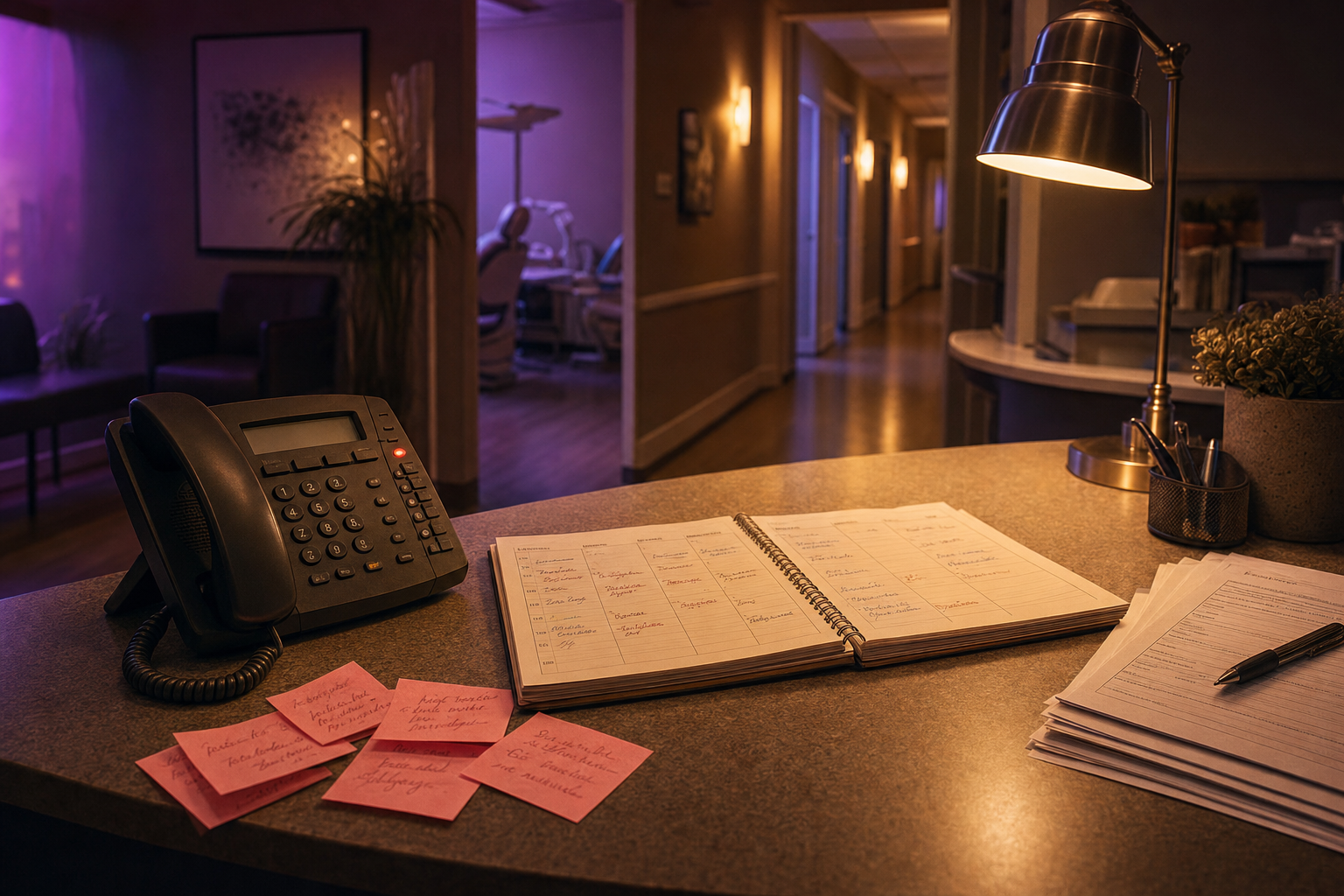
Coverage stops the ring-out. The durable win is that call one and call eighty-seven capture the same five fields, so insurance verification and follow-up do not depend on who had a bad Tuesday. A person who takes forty calls and types notes between patients produces uneven records. Some are detailed, some are blank, some have the wrong callback number because it lived on a sticky note.
Over six months that CRM gets unreliable, the insurance check gets skipped, and nobody can tell which new-patient calls actually booked. The AI does not have bad Tuesdays.
For the rest of the front-desk picture beyond overflow, AI for Dental Clinics: Front Desk Bottleneck maps the wider workflow.
Next step
If overflow and thin CRM notes are the leak, the next step is a workflow audit: call volume, which calls slip, and which system of record you already run. I will tell you whether an owned deployment beats the SaaS bill. I have built this on different phone systems and different CRMs. The approach does not change with the logo on the software. Design the intake around the decisions the team actually makes.
If your front desk is overwhelmed and the notes are a mess, that does not require another coordinator. It requires a first point of contact that picks up. That is what the AI Receptionist I deploy is for: $8,000 once.
I offer a free workflow audit at /audit/. Tell me your rough call volume, which calls keep slipping (overflow, after-hours, or both), and what CRM you run. I’ll map the intake and give you a straight read on whether owning it beats what you’re paying now.
FAQ
How do I reduce missed calls at a dental office? +
Forward overflow after three or four rings, and send after-hours calls down the same path. Capture new versus existing, urgency, insurance, the callback window, and the patient's own words, then work new and urgent calls first in the morning. Measure your answer rate for two weeks before you treat anyone else's 38% as yours.
What does dental office overflow coverage cost in 2026? +
Live answering services still run about $0.75–$1.50 a minute, and some add 20–50% after hours. Viva publishes Gold at $349 a month for after-hours overflow and Platinum at $899 for full coverage, both on credits. I deploy an owned receptionist once for $8,000. Platinum crosses that in about nine months and keeps billing.
How many calls does a dental office actually miss? +
There is no universal rate. In February 2026, Peerlogic tracked 4,280 calls at one 26-practice group and found 38% unanswered. New-patient conversion was 25%, versus 56% for existing patients. Use that as a benchmark, then pull your own phone log. Your number is the one that decides whether this is worth buying.
Will the CRM note be something the front desk can use? +
Yes, if you name the fields. I have it record new versus existing, urgency, carrier and member ID, the best callback number and time, and a short paraphrase of why they called. The note lands before the call ends, so the morning callback starts from facts instead of a voicemail nobody wanted to leave.