

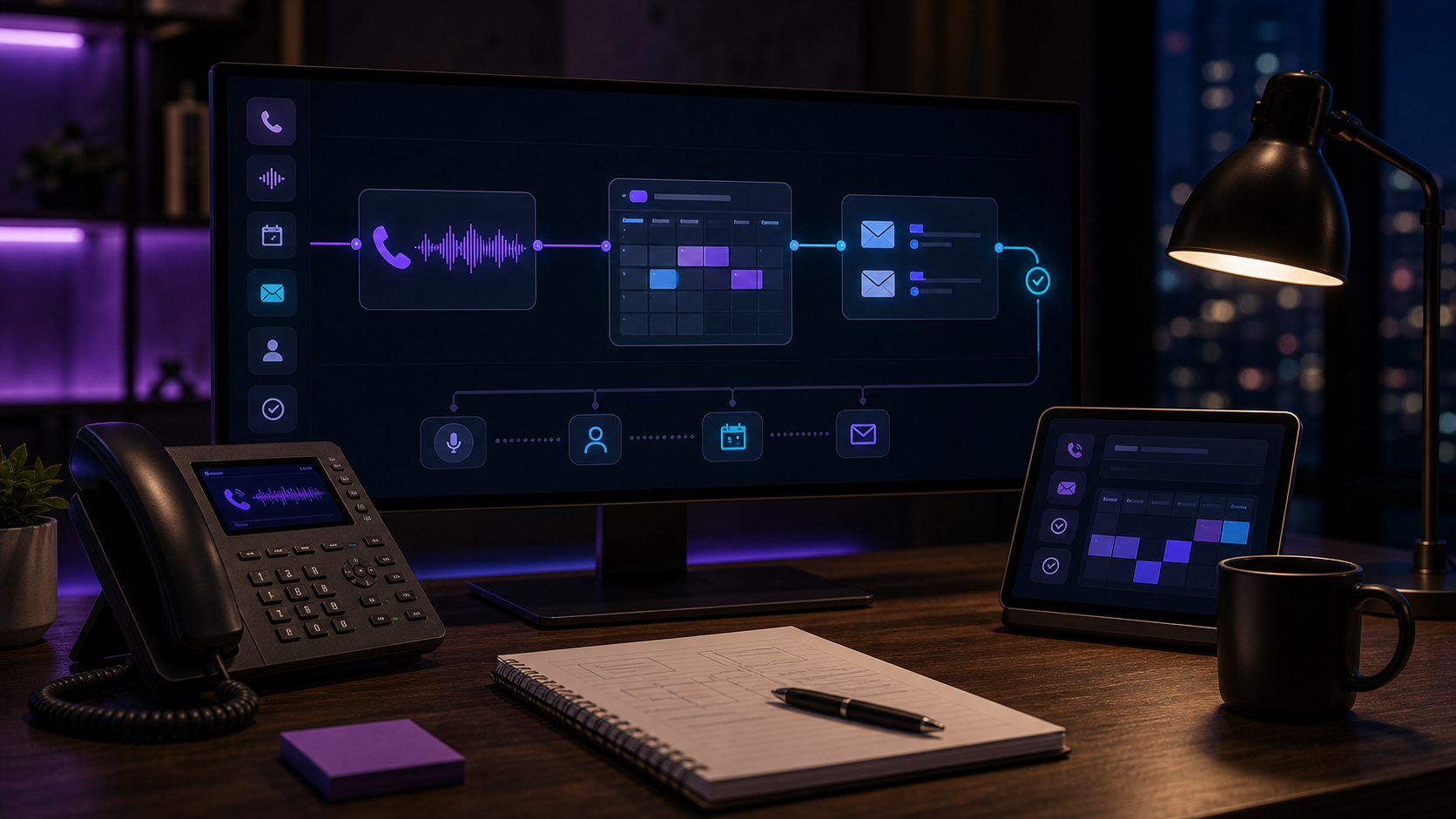
Google Calendar Twilio integration for bookings and reminders
Connect Twilio, Google Calendar, Google Sheets, and AI so calls and texts can qualify, create bookings, send reminders, and log appointments.
A Google Calendar Twilio integration should do more than send reminders. It should qualify the request, check real availability, create or update the booking, send SMS confirmations, and record the outcome where the team already works.
Appointment-based businesses, contractors, clinics, consultants, salons, med spas, and owner-operated service teams.
The business has calendar availability in one place, customer conversations in another, and reminders in a third. Leads fall through because nobody owns the handoff.
Inbound call, SMS request, form lead, booking change, cancellation, or no-show risk.
Qualify the request, check calendar windows, propose slots, create the appointment, send confirmations, and update the CRM or sheet.
Google Calendar plus CRM or Google Sheets.
Custom scheduling conflicts, VIP customers, payment disputes, medical/legal questions, and overbooking risk go to a human.
Google Calendar Twilio integration for bookings and reminders
Define appointment types
Each service needs duration, buffer, team member, service area or location, deposit rules, and cancellation rules.
Let AI qualify before checking slots
A slot is useless if the buyer is out of area, needs the wrong service, or is not ready to book.
Write both calendar and record
The calendar holds time. The CRM or sheet holds customer context, lead source, notes, and follow-up status.
Automate reminders with escape hatches
Send confirmations and reminders by SMS, but make reschedule, cancel, and human help easy to trigger.
| Option | Best when | Avoid when |
|---|---|---|
| Google Calendar + Twilio + AI | You need bookings and reminders from real conversations. | Your team cannot agree on scheduling rules. |
| Booking SaaS | Your services are simple and customers self-schedule cleanly. | Most bookings start from calls, texts, or qualifying questions. |
| Manual scheduler | Every appointment requires judgment or negotiation. | The same intake and reminder work repeats all day. |
Twilio
SMS and voice entry point for confirmations and reminders.
Google Calendar
Availability, appointment creation, reschedules, and reminders.
Google Sheets
Lightweight lead log when a full CRM is not ready.
AI Receptionist
Conversation, qualification, booking, and exception summaries.
Do not make calendar the CRM
Calendar is a time system. It should not be forced to carry lead source, qualification notes, sales status, and owner follow-up.
- Use Calendar for time and attendance.
- Use CRM or Sheets for customer context.
- Use Twilio for communication receipts.
- Use AI for qualification and summarization.
Where this converts
This workflow wins when speed and certainty matter. The buyer should get a useful answer and a real slot without waiting for office hours.
- After-hours appointment requests.
- Missed-call text-back.
- Reschedule and cancellation flows.
- No-show prevention reminders.
Can Twilio create Google Calendar events? +
Yes. Twilio handles the call or SMS, while your app or AI workflow uses the Google Calendar API to check availability and create or update events.
Do I need Google Sheets too? +
Only if you need a lightweight log or do not have a CRM. Sheets is useful for small teams because owners can inspect every row quickly.
Should AI choose appointment times automatically? +
Only inside rules you approve: service type, duration, buffers, working hours, staff, location, and blocked dates.
Want this workflow mapped to your business?
Send the tools, lead source, and current handoff. I will tell you the first safe workflow to automate and what should stay human.
Audit my booking workflow