Hosted vs On-Premise AI Hardware for Law Firms
Hosted dedicated AI hardware or an on-premise vault for your law firm: custody, cost, privilege, and how to pick without guessing at the risks.

In this article· 7 sections
The question managing partners ask me about private AI hardware is almost never about specs. It is about custody: where does the machine that reads your clients’ medical records, retainer agreements, and case strategy actually sit, and who can put their hands on it?
That is the right question. If your firm runs AI over privileged files, the physical location of the hardware is a confidentiality decision, not an IT preference. I build Private Vault deployments both ways — a dedicated NVIDIA DGX Spark I host for you, or the same unit installed inside your own office — and the two options exist because firms answer the custody question differently.
Here is the honest comparison: what changes between hosted and on-premise, what does not, what the hardware can and cannot do, and how to decide without paying for custody you do not need or skipping custody you do.
What you are actually choosing between
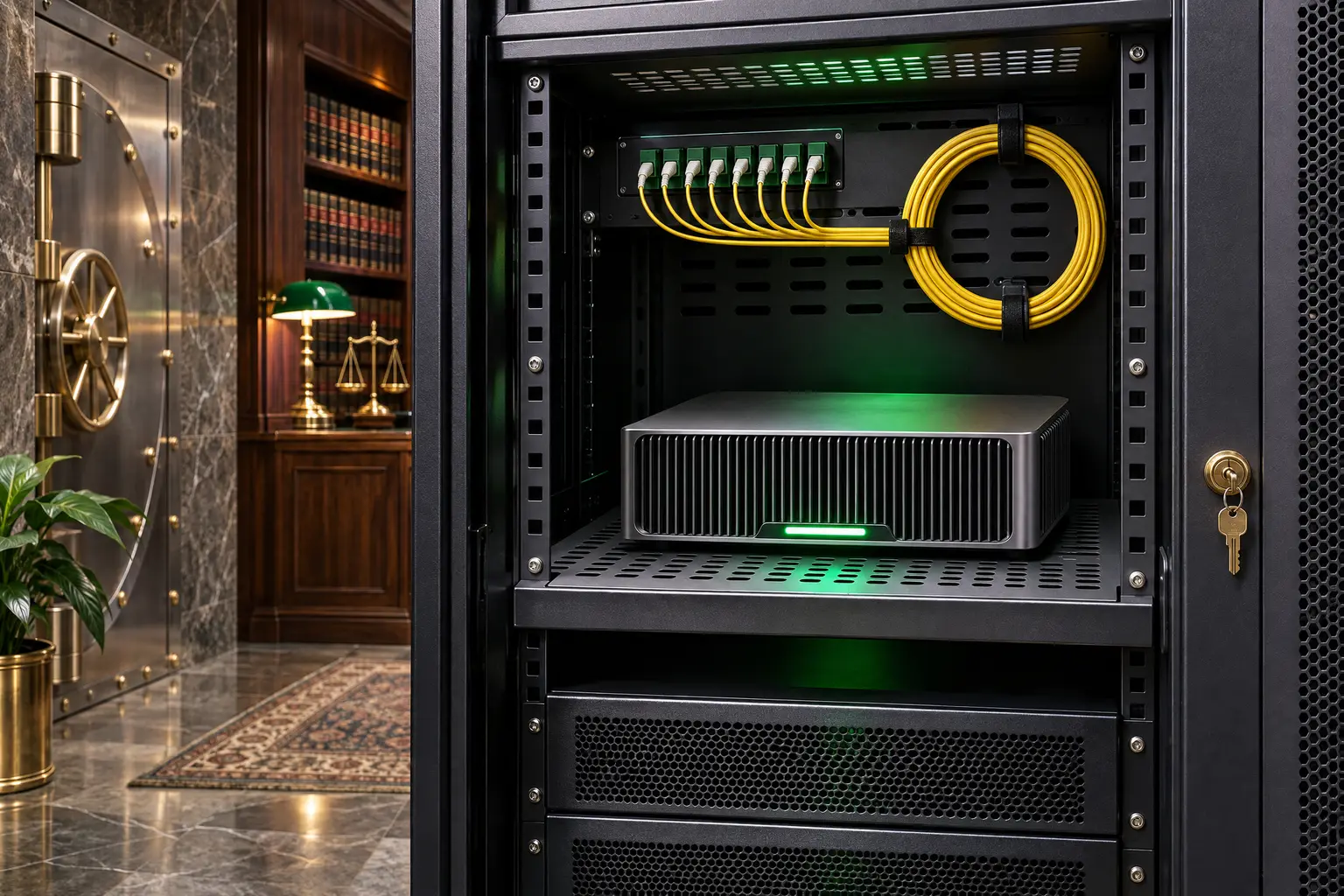
Both options give your firm one dedicated NVIDIA DGX Spark. Not a slice of a shared server, not a tenant in a multi-firm database. One physical unit, procured for your firm, owned by your firm, running open-weight language models locally through vLLM. The difference is where that unit lives and who has physical access to the room it sits in.
Option A — Hosted Dedicated Spark. I procure the unit, rack it, and host it exclusively for your firm. Your office reaches it over an encrypted Tailscale tunnel. Pricing is $5,000 setup plus hardware at cost — zero markup, the firm owns the unit — plus $4,500/mo. There are no travel fees, and the unit can be shipped to your office anytime if you later decide you want it on-site.
Option B — On-Site Office Vault. The firm owns 100% of its DGX Spark physically inside its own office. I install it in person over two days: $15,000 white-glove deployment plus travel and hardware at cost, then the same $4,500/mo. After installation, the only people who can touch the machine are people who can get into your office.
Notice what is identical in that description: the hardware, the ownership, the monthly operating fee, and the software. You are not choosing between a good system and a lesser one. You are choosing a custody arrangement.
The side-by-side
| Hosted Dedicated Spark (A) | On-Site Office Vault (B) | |
|---|---|---|
| One-time cost | $5,000 setup + hardware at cost | $15,000 deployment + travel + hardware at cost |
| Monthly | $4,500/mo | $4,500/mo |
| Who owns the hardware | Your firm, zero markup | Your firm, zero markup |
| Physical location | Rack I operate, dedicated to your firm | A room in your office |
| Installation | Remote; zero travel fees | In person, 2 days |
| Physical access | Me and my hosting environment | Whoever can enter your office |
| Connection | Encrypted Tailscale tunnel | Your office network |
| Changing your mind | Unit ships on-site anytime | Already on-site |
| Operating modes | Hybrid local-first or strict 100% local-only | Hybrid local-first or strict 100% local-only |
The $10,000 difference in setup is the real price of physical custody on day one: two days of on-site work, travel, and doing the installation in your building instead of mine. Whether that is money well spent depends on your threat model, which I will get to below.

What does not change between the two
Whichever custody option you pick, the architecture rules are the same, and they matter more than the location:
- Single-tenant by default. Your firm runs on its own isolated container and its own encrypted SQLite database. There is no shared multi-tenant database across firms in either option.
- Google Drive stays your source of truth. The vault processes documents; your firm’s Drive remains the system of record. If you ever end the engagement, your files are already where they have always been.
- Zero model training on privileged client files. The models running on your Spark are not learning from your case documents, in either location.
- Attorney review stays in the loop. Nothing the system drafts is legal advice, and discovery drafts export as editable Word
.docxfiles for a licensed attorney to review and approve. Hardware location does not change who practices law. - Monthly API spend optimization is included. I review the firm’s actual usage and route repetitive workloads — OCR, routine discovery processing — to the local models so cloud token costs do not quietly climb.
Both options can run in hybrid local-first mode, where sensitive work stays on the Spark and selected tasks go to cloud APIs, or in strict 100% local-only mode, where nothing leaves the machine. That mode choice is independent of the custody choice. A hosted Spark in strict local-only mode still processes everything on your dedicated unit; the tunnel carries your staff’s requests and results, not your documents to third-party model providers. The full architecture is on the security page.
What the hardware actually is
The DGX Spark is a desktop-sized unit — 150 × 150 × 50.5 mm, about 1.2 kg — built on NVIDIA’s GB10 Grace Blackwell Superchip with 128 GB of unified LPDDR5x memory and up to 4 TB of self-encrypting NVMe storage, per NVIDIA’s official specifications as of November 2026. NVIDIA rates it for inference on models up to 200 billion parameters and up to 1 petaFLOP of FP4 compute.
Two honest caveats about what those numbers mean for a law firm.
First, the 200-billion-parameter figure is a memory ceiling, not a speed promise. The Spark’s memory bandwidth is 273 GB/s — far below a data-center GPU — so large models run, but they generate text more slowly than a cloud frontier model would. For a law firm this is usually fine, because the workloads that belong on local hardware are batch jobs: OCR over medical records, first-pass discovery document processing, internal Q&A over case files. Nobody is waiting on a chat bubble for those; they run and the results are ready for review.
Second, the models running locally are open-weight models, not the flagship cloud models. For jurisdiction-aware objection drafting and other judgment-adjacent work, quality varies by model and task, which is exactly why every draft lands as an editable .docx in front of an attorney rather than going out the door. I have written separately about how law firms cut cloud AI costs with local LLM routing — the short version is that repetitive, high-volume, privacy-sensitive work is where local hardware earns its monthly fee, and the vault is built around that split.
The self-encrypting storage matters for the custody conversation too: the drive encrypts at the hardware level in either location, so a stolen unit is not automatically a readable unit. That is a layer of protection, not a substitute for controlling who can walk up to the machine.
Privilege and custody: compare the real risks
ABA Model Rule 1.6 requires reasonable efforts to prevent unauthorized disclosure of client information. It does not say the server must be in your office, and it does not say hosting is negligent. “Reasonable” is about the whole arrangement: encryption, access control, contracts, and who can physically reach the hardware. So compare the actual failure modes instead of the vibes.
Hosted risks. The machine sits in an environment I operate. Your firm’s protection is the single-tenant isolation, the encrypted tunnel, and the contractual commitment that the unit is yours and exclusively yours. Tailscale’s data plane is end-to-end encrypted with WireGuard, and only devices you authorize on your private network can reach the unit — Tailscale documents this in its architecture overview. The honest question to ask me is: who has physical access to the rack, and what happens if a third party demands access to it? You should ask any hosting provider that question, including me, and get the answer in writing.
On-premise risks. The machine sits in your office, which means your office’s physical security is now part of your client-data security. Say your firm keeps the unit in an unlocked supply closet next to the copier. A break-in, a fire, a curious visitor, or an overhelpful employee unplugging it to vacuum are now confidentiality and availability risks that hosting would have absorbed. On-site custody is stronger only if the room is actually controlled: locked, limited keys, and someone accountable for it.
Neither location protects you from the failure mode that actually causes most discovery disclosures: a human producing a badly redacted PDF. That risk follows the file, not the server, and I have covered what broken PDF redactions do in discovery in detail. Buying an on-site vault does not fix a redaction workflow, and a hosted vault does not excuse one.
If your malpractice carrier or a institutional client’s outside counsel guidelines require on-premise processing, that settles the question — choose Option B and skip the debate. If nothing external requires physical custody, you are weighing my hosting controls against your office’s physical controls, and either can be the stronger answer depending on the firm.
The money, against the alternative you are actually considering
The comparison a managing partner should run is not hosted versus on-premise in the abstract. It is either vault versus the hire or the cloud bill you would otherwise carry.
A litigation paralegal or a full-time receptionist runs $5,000+/mo in salary alone before payroll taxes, benefits, and turnover. The vault is $4,500/mo on top of whichever OS tier your firm runs — for example, the Litigation & Discovery OS at $3,500/mo with its Automated Discovery & Bates Engine — and it does not take vacation. It is not a paralegal replacement; the attorney-review rule means judgment work stays with licensed people. What it replaces is the metered cloud API bill for high-volume document work, plus the confidentiality exposure of sending privileged files to third-party model providers at all.
Between the two vault options, the math is simple:
- If you choose hosted and never move the unit, you save $10,000 in setup plus travel versus on-site.
- If you choose hosted and later ship the unit to your office, you paid $5,000 setup and still end up with hardware in your building — you will pay for the on-site work at that point, but you deferred it until the requirement was real.
- If physical custody is a hard requirement today, paying the $15,000 white-glove deployment now is cheaper than litigating the question with your carrier later.
Hardware is at cost in both options, with zero markup, and the firm owns the unit outright. I do not make money on the box; the monthly fee is for operating it, patching it, tuning the local models, and the monthly review of your actual API spend. If your usage says the local routing is not saving you money, that review is where we find out and adjust.
How I would decide
Choose the Hosted Dedicated Spark if your firm has no lockable server space, no interest in owning the physical-security problem, or a real chance you will want the unit moved later. You get dedicated hardware and strict local-only processing without anyone flying anywhere, and the exit path to physical custody is a shipping label, not a migration project.
Choose the On-Site Office Vault if a carrier, a client guideline, or your own reading of Rule 1.6 says the machine must sit in a room you control — and you are prepared to actually control that room. The two-day installation exists so the unit arrives configured, tested against your network, and handed over with the access rules written down, not dropped in a box for your office manager to figure out.
What I would not do is buy on-premise custody as a feeling of safety while leaving the unit in an unlocked room, or reject hosting on the theory that any off-site machine is inherently a shared machine. It is not shared. It is yours, in a rack, reachable only through your firm’s encrypted tunnel.
The custody question is usually settled by one document: your carrier’s requirements or your biggest client’s outside counsel guidelines. Read that first. Then compare the two options line by line on the pricing page and bring me the requirement you are actually held to — that conversation is short, and it ends with the right option, not the expensive one.