Broken PDF Redactions in Discovery: What Rule 1.6 Requires
A black box over text is not a redaction. See how PDF redactions fail in discovery, what ABA Model Rule 1.6 requires, and how to check a file.
In this article· 6 sections
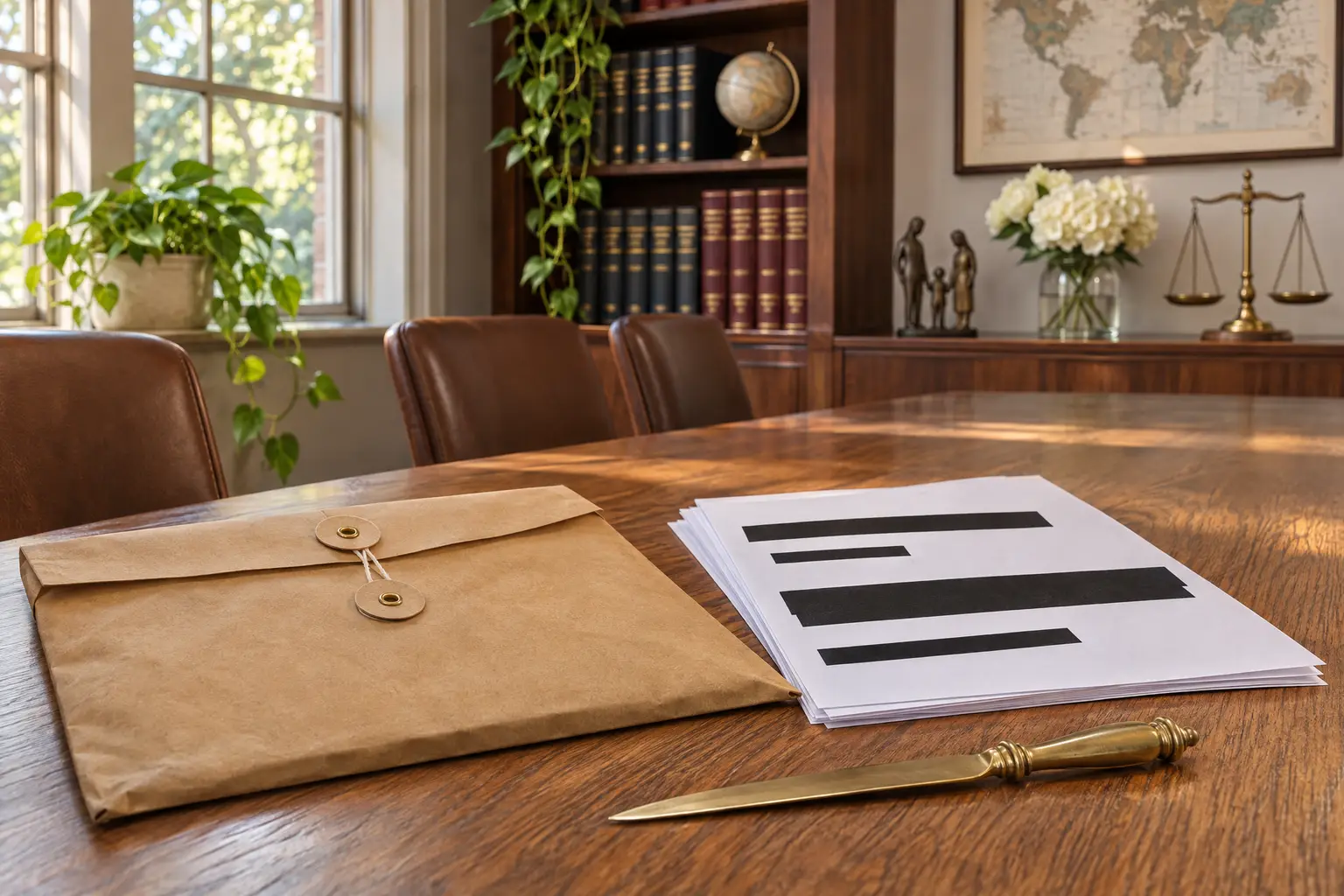
The most dangerous redaction failure is the one that looks perfect. On screen, the page shows a clean black bar over the client’s Social Security number. Printed, it looks the same. But the words underneath were never removed from the file. They were covered up, and anyone who selects the page, copies it, and pastes into a plain text editor can read them in seconds.
This is not a theoretical risk. On January 8, 2019, Paul Manafort’s lawyers filed a redacted brief in federal court arguing that he had not lied to the Special Counsel’s office. The black boxes turned out to be visual overlays. Reporters copied the “redacted” paragraphs, pasted them, and read the hidden text, including new details about Manafort’s interactions with Konstantin Kilimnik. The ABA’s own Judges’ Journal dissected the failure in its Spring 2019 issue, showing the recovered passages side by side with the boxes that supposedly destroyed them.
A well-funded defense team in one of the most scrutinized cases in the country made this mistake. The same software, the same workflow, and the same “it looks redacted” confidence exist in every small firm where one paralegal prepares a production at 11 p.m. the night before it is due. If you produce medical records, financial statements, or immigration declarations, this failure mode is sitting in your files right now unless someone checks for it.
Why a black box is not a redaction
A PDF page has layers. The text you read lives in the page’s content stream as actual text objects. Annotations, highlights, and drawn shapes sit on top of that content as separate objects. When someone draws a black rectangle over a paragraph, or applies a black highlight, or pastes an image over a line, they change what the page looks like. They do not touch the text objects underneath.
Copy-and-paste, search, screen readers, and the text extraction that opposing counsel’s review platform runs all read the text layer, not the appearance. That is why a document can look fully redacted to every human who opens it and still hand over every “redacted” word to anyone who presses Ctrl+A.
Real redaction deletes the content. Adobe Acrobat’s redaction tool works in two deliberate steps: you mark the areas, then you apply the marks. Adobe’s own tutorial is explicit that only after you select Apply, and confirm the sanitize step, are “the redactions and hidden information permanently removed and saved to a new file.” A file saved after marking but before applying still contains every word under every mark. The marks even look like redactions on screen, which is exactly what makes the intermediate file dangerous.
Four ways redactions fail in discovery
1. The overlay. A rectangle, highlight, or image drawn over text using markup tools instead of the redaction tool. This is the Manafort failure. The page renders correctly, prints correctly, and leaks completely. Nothing about opening the file and looking at it will tell you this happened.
2. Marked but never applied. Someone marks redactions in Acrobat, saves, and moves on, or the apply step errors out on a 900-page medical bundle and nobody notices. The working file looks redacted. The produced file still carries the full text. Because Acrobat saves the applied result to a new file, there is also a version trap: the redacted-looking working copy and the truly sanitized output are different files, and it is easy to attach the wrong one.
3. Hidden content that survives a visible redaction. Even when the boxes are applied properly, a PDF can carry metadata (author names, prior file names, organization), comments and tracked changes inherited from Word, embedded file attachments, and data left over from previous saves. Scanned records add another layer of trouble: many medical and court PDFs are page images with an OCR text layer behind them. Black out part of the image and the OCR text underneath can still say exactly what the image no longer shows. Adobe ships a separate sanitize function precisely because metadata, comments, hidden layers, and other invisible content need their own removal pass. Redacting what you can see is half the job.
4. The production set betrays you. The PDF is genuinely redacted, but the native Word version goes out in the same production. Or the redaction was done on an early export, and the final Bates-stamped production was regenerated from the unredacted source, quietly reintroducing everything. Order of operations matters: redact, sanitize, verify, then Bates-stamp that exact verified file, and produce that exact file. Any step that regenerates the PDF from an earlier source resets your redaction work to zero.
What Rule 1.6 actually asks of you
ABA Model Rule 1.6(a) is the base duty: a lawyer shall not reveal information relating to the representation of a client absent an exception. Since 2012, paragraph (c) adds an affirmative security duty: “A lawyer shall make reasonable efforts to prevent the inadvertent or unauthorized disclosure of, or unauthorized access to, information relating to the representation of a client.” The ABA’s Formal Opinion 477R (2017) walks through what “reasonable efforts” means, and the factors in Comment [18] to the rule are practical: the sensitivity of the information, the likelihood of disclosure without safeguards, the cost of the safeguards, their difficulty, and how much they interfere with representing the client.
Run a failed redaction through those factors. The information is a client’s medical history, a child’s address, an asylum applicant’s identity. The likelihood of disclosure is high, because opposing counsel and their vendors routinely extract text from produced PDFs. And the safeguard, a copy-paste test on the final file, costs nothing and takes minutes. When the safeguard is free and the exposure is that sensitive, it is very hard to argue that skipping it was reasonable.
Two clarifications matter for a small firm. First, the standard is reasonable efforts, not a guarantee. Rule 1.6(c) is not strict liability; a lawyer who applies real redactions, sanitizes, and verifies has done the work even if some exotic attack later succeeds. But “the box looked black” is not a safeguard, and a reversible overlay is not a redaction that failed, it is a redaction that never happened. Second, the Model Rules are models. Your state’s adopted version is what binds you, and the duty extends to the people and vendors working under your supervision. Your paralegal’s Acrobat habits and any outside tool that touches client PDFs are part of your reasonable-efforts picture, not someone else’s problem.
A five-minute check before any production leaves the firm
This is the part to put in your production checklist. Every step runs on the exact file you are about to produce, after Bates stamping, not on the working copy.
-
The paste test. Open the final PDF, select all (Ctrl+A), copy, and paste into a plain text editor like Notepad. Search the pasted text for the names, numbers, and phrases you redacted. If they appear, the boxes are overlays and the file cannot go out. This test is reader-independent: it does not matter which PDF viewer you use, because it reads the same text layer opposing counsel will.
-
The search test. In the PDF itself, search (Ctrl+F) for each redacted term. A true redaction destroys the text, so you should get zero hits. A hit on a page you did not redact also catches the most common substantive miss: the same account number appearing on page 412 of a record bundle nobody scrolled to.
-
The hidden-content sweep. Check document properties for author names and old file titles, open the comments and attachments panels, and run your editor’s sanitize function to strip metadata, comments, hidden layers, and leftover data from previous saves. For scanned records, remember the OCR layer: if you redacted the image, confirm the text behind it is gone too.
-
The set-level check. Compare the production folder against your redaction log. Every file in the set must be the redacted, sanitized, verified version. No native Word files, no “final_final” exports regenerated from source, no courtesy copies of unredacted originals for the client mixed into the outgoing folder.
-
Write down what you did. Keep a short log: which file, which terms redacted, which checks run, who ran them, when. It costs two minutes, it is your evidence of reasonable efforts if a redaction is ever challenged, and it feeds your privilege log instead of duplicating work.
If you want a second pass on a file, run it through my free PDF redaction checker. It is zero-upload: the file is not sent to a server, which matters when the document you are checking is itself privileged. Checking a redaction should never mean handing the unredacted content to a third-party website.
Print-and-rescan flattening, the emergency trick of printing the redacted file and scanning it back in, does defeat overlay boxes because the text layer is destroyed. But it degrades quality, invites OCR errors, and does nothing about a missed instance on a page you never marked. Treat it as a last resort, not a workflow, and still run the checks on the result.
Where the stakes are highest in small-firm files
The failure mode is identical across practice areas; the blast radius is not.
In personal injury, the productions are medical and billing PDFs, which routinely carry Social Security numbers, insurance identifiers, and treatment history unrelated to the claim. A failed box there is a privacy exposure for the client and a sanctions fight for the firm.
In family law, say a firm produces school and counseling records in a contested custody matter. A reversible redaction can expose a minor’s location or a protected address to the very party the court ordered it shielded from. That is not an embarrassment; it can be a safety event.
In immigration, declarations and identity documents describe persecution and name relatives who still live in the country the client fled. A leaked A-number or passport detail in a production is the kind of disclosure that cannot be walked back with a clawback letter.
The discipline starts before the case even exists. What arrives through intake, identity documents, medical PDFs, draft declarations, needs the same handling as a production, because it is the same confidential information at an earlier stage. I cover what to capture at that stage, and how to capture it without creating a leak, in legal intake before the consult.
Where automation helps, and where it must stop
The mechanical parts of this problem are exactly what software should own: finding every instance of a name or number across a 4,000-page bundle, flagging text that is still extractable under a black box, keeping the redact-verify-Bates order consistent on every production, and refusing to stamp a file that has not passed verification. Humans miss page 412. A text search does not get tired at 11 p.m.
That is how I built the discovery side of my Litigation & Discovery OS: an automated discovery and Bates engine with custom Bates stamping, test-Bates exclusion, and dual indexing, plus draft objections, responses, deficiency letters, and motions to compel that export as editable Word files. It runs $3,500/mo plus a $5,000 one-time setup, which a managing partner should weigh against the $5,000+/mo fully loaded cost of another paralegal hire, and it includes a monthly review of the firm’s actual AI spend so the automation does not quietly become its own cost problem.
The architecture is built around Rule 1.6 rather than bolted onto it: every firm gets its own isolated container, an encrypted database, and its own tunnel, with no shared multi-tenant database across firms and no model training on privileged client files. Your Google Drive stays the source of truth. The details are on the security page, and they are the same questions you should ask any vendor touching client PDFs, including an AI receptionist, which I examine in AI receptionist for law firms: cost and limits.
The stop line is just as important as the automation. Software can flag, extract, stamp, and draft. It cannot decide what is privileged, it cannot judge whether a disclosure endangers a client, and it does not sign the production. Every draft comes out as an editable .docx for an attorney to review, change, and approve. The lawyer who signs the production owns the redactions, and no tool changes that. The right system makes the five-minute check faster and harder to skip; it does not replace the judgment behind it.
If you want to see this run on your own files rather than read about it, send me one redacted set of opposing counsel’s RFPs or interrogatories plus the client or medical PDFs through the free 24-hour Discovery Pack Proof. You get back a Bates-stamped production, draft objections and responses in Word, and a 15-minute live walkthrough within 24 hours, at no cost and with no commitment. Bring the file you are least sure about. That is the one worth checking first.