ChatGPT Images 2.5 still won't convert your homepage
ChatGPT Images 2.5 shipped Sep 8, 2026 with up to 50% faster generation. Use it for drafts; a converting site is still a one-time custom build.
In this article· 3 sections
Most software companies will tell you a better image model is a marketing department. It is not. ChatGPT Images 2.5 makes flyers, listing crops, and merch mockups faster. It does not make a stranger trust the page they landed on.
OpenAI shipped ChatGPT Images 2.5 on September 8, 2026. They say people already make more than 3 billion images a week across ChatGPT Images and the GPT-Image API models. That is volume. Volume is not a front door.
What did ChatGPT Images 2.5 actually change?
ChatGPT Images 2.5 is a faster, sharper image generator with tighter edits, Sketch, and templates — not a photographer, not a brand system, and not a website that books work. OpenAI’s own claims: more natural lighting and texture, better hold on reference-photo subjects, edits that change only what you asked, and up to 50% lower generation latency versus Images 2.0.
In ChatGPT, Sketch lets you draw a layout and use it as a guide. Templates cover formats like posters and merch. You can comment on a region of an image. You can share the prompt with the picture. The model is rolling out to all ChatGPT, ChatGPT Work, and Codex tiers on desktop, mobile, and web.
For builders, OpenAI split the API into GPT-Image-2.5 Flare (default, same quality/speed story, 50% lower latency than GPT-Image-2) and GPT-Image-2.5 Sunburst (slower, tighter control for campaign-style work). They still stamp C2PA metadata and an invisible watermark. I am repeating their launch notes, not running a bake-off.
What should a small business actually use it for?
Use ChatGPT Images 2.5 for first-pass creative you will still approve: social crops, flyer layouts, merch concepts, and listing-style mockups. Keep real job photos, logos, and the live site as the system of record.
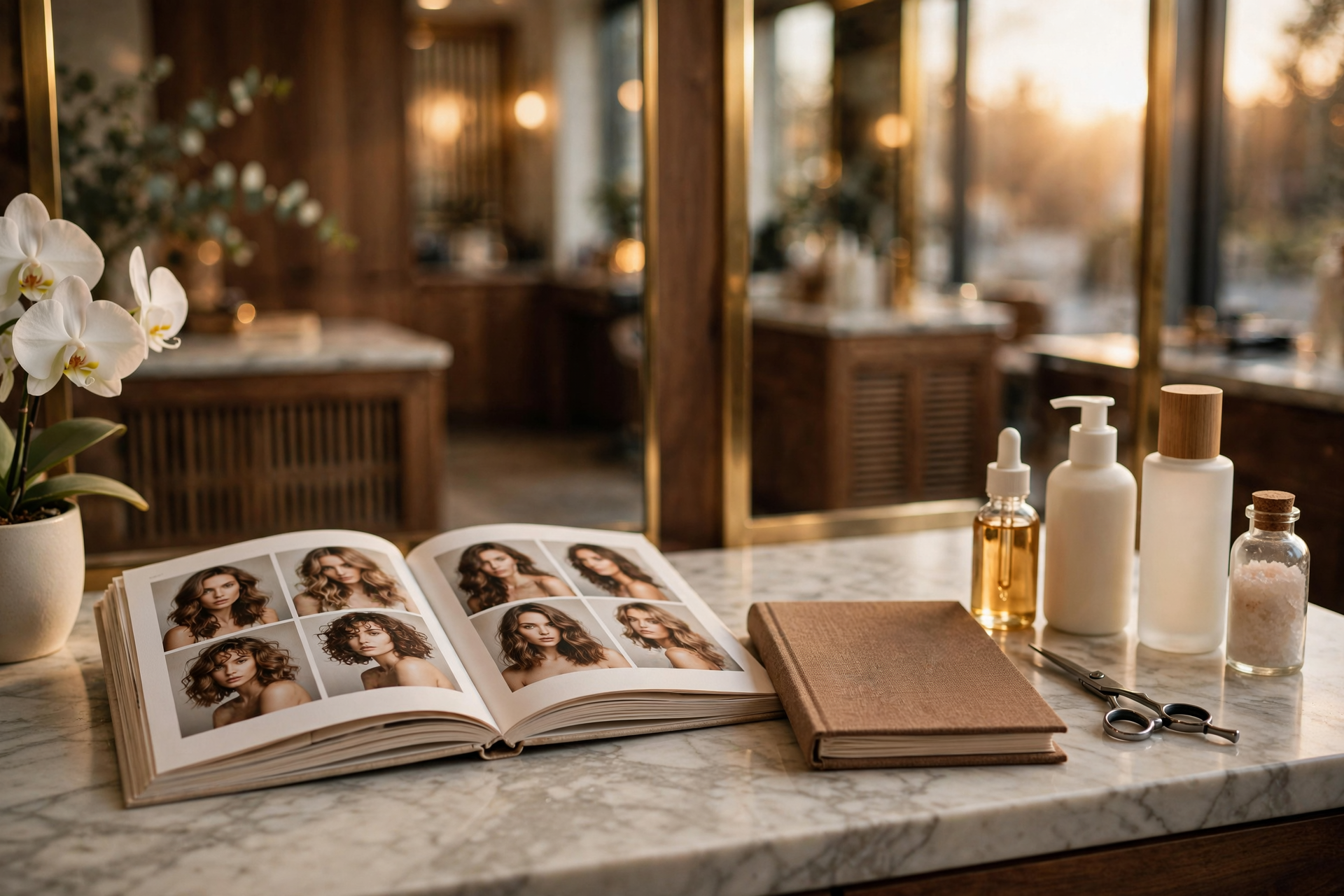
A three-chair lash studio in Chicago can Sketch a before/after grid, generate three Instagram crops, and pick one. A realtor can mock a “just listed” flyer before the photographer’s files land. An agency lead can spin poster variants for a client review without opening a design seat.
The workflow I would actually allow:
- Trigger: you need a draft visual for a post, a printed flyer, or a “does this layout work” check.
- Action: generate or edit in ChatGPT, with a real photo of the chair, truck, or house as the reference when the subject has to stay true.
- System of record: the approved file lives in your brand folder, website CMS, or listing packet — not in a chat history.
- Human: you (or a designer) check spelling, skin, licenses, and whether the picture implies a job you cannot deliver.
If the leak is DMs that die unanswered, that is still an Instagram DM agent problem, not an image-model problem.
When is ChatGPT Images 2.5 the wrong next spend?
Skip it as a strategy if your homepage looks rented, your Google Business photos are three years old, or nobody answers the form that the pretty graphic points to. A sharper mockup on a weak site just advertises the gap.
Grok Bot can draft copy and click around tools. It still does not replace a website that converts. ChatGPT Images 2.5 is the same class of tool: useful at the desk, silent at the front door.
I would not put generated “crew photos,” fake reviews, or invented job sites on a contractor homepage. I would not let an unattended routine publish merch with your logo until you have seen the file. And I would not confuse API Flare/Sunburst with an owned deployment — those are usage meters on OpenAI’s side.
The owner move is still the boring one in AI for small business: fix intake first, then dressing. If paid traffic or referrals hit a page that does not book, start with custom web development. Send the short audit form — I reply with the replacement map within 24 hours.