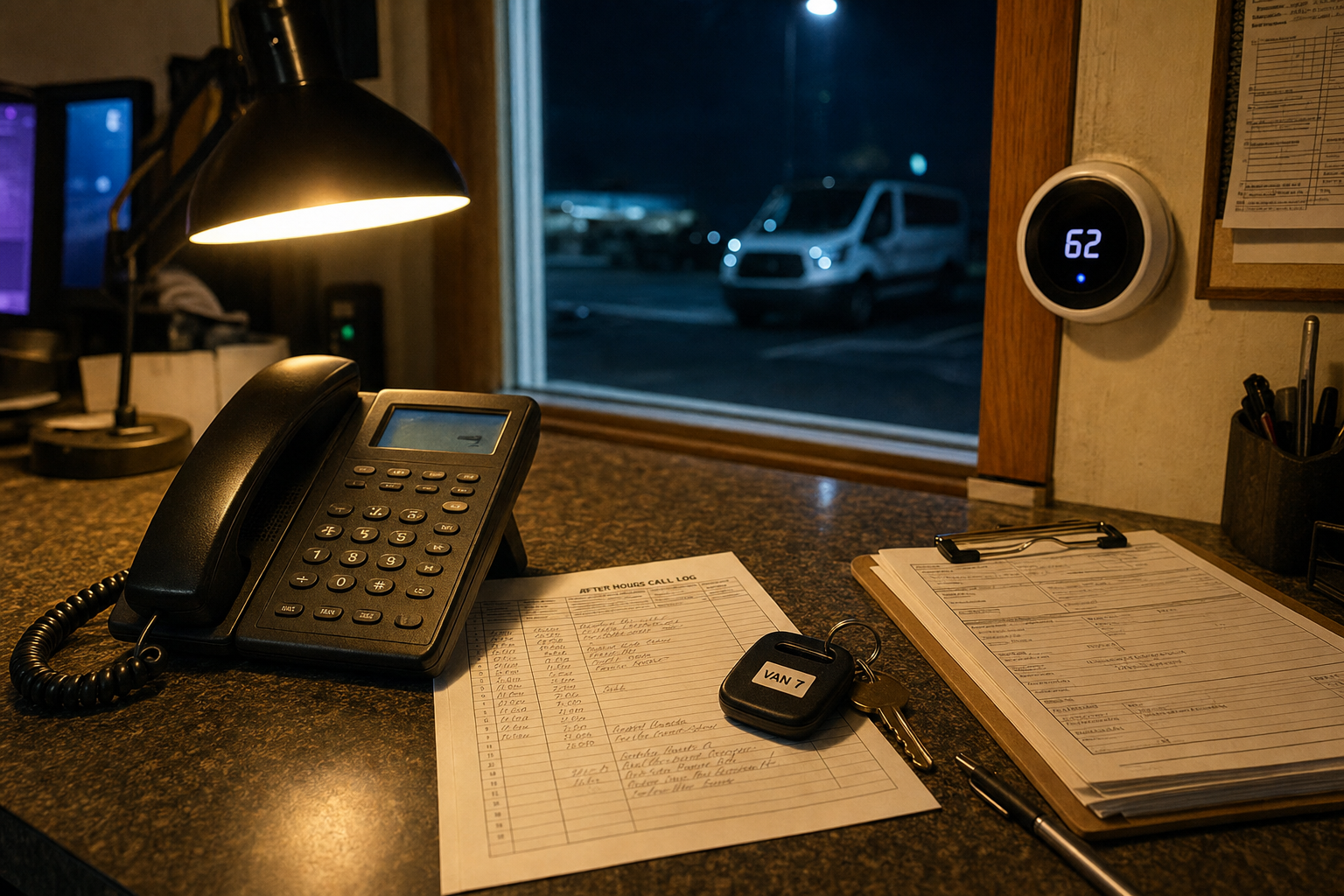
Multilingual AI receptionist for law firms in 2026
Multilingual AI receptionist for law firms: compare $8,000 one-time ownership with monthly services and know when bilingual intake works.

In this article· 7 sections
The best multilingual AI receptionist for law firms is not the one with the nicest demo voice. It is the one that captures the caller’s language, practice area, urgency, contact details, conflict clues, and next step without pretending to practice law.
Short answer: A multilingual AI receptionist for law firms works when it handles bilingual intake, writes structured notes to your legal CRM, books or routes the next step, and escalates legal judgment to a human. For my build, the price is $8,000 once, and you own the deployment instead of renting another monthly phone tool.
What should a multilingual AI receptionist for law firms actually do?
It should answer in the caller’s language, collect the right intake facts, and leave your staff with a clean record. It should not give legal advice, decide if the caller has a case, or hide uncertainty. The winning setup is narrow, documented, and easy to audit.
For a small firm, I would design around four call types first:
- New potential client intake
- Existing client status requests
- Court date, document, or appointment questions
- Wrong-number, vendor, spam, and non-fit calls
The receptionist needs bilingual handling where it matters: greeting, qualification, intake questions, appointment options, and recap. The CRM note should stay in the language your staff uses internally unless your team wants both languages stored.
I would link this post to AI receptionist pricing because the decision is not just “can it speak Spanish?” The real question is whether the phone workflow is worth owning or whether a monthly answering service is good enough.
How does the cost compare over 24 months?
The lowest monthly plan can look cheaper on day one, but law firms should compare setup depth, call volume, bilingual coverage, CRM writes, and overage charges. My AI Receptionist is $8,000 once. Competitors often bill monthly, per call, per minute, or per add-on.
According to the U.S. Bureau of Labor Statistics, receptionists and information clerks had a median annual wage of $39,460 in the 2025 wage release. That is before payroll taxes, benefits, hiring time, turnover, and management.
Smith.ai lists AI receptionist plans with a free tier, $150/month Pro plan, $500/month Enterprise plan, and per-call pricing on its AI receptionist pricing page. Ruby lists virtual receptionist plans from $250/month to $1,725/month on its plans and pricing page. Those are real options, but not the same buying model. The Spanish-English invoice, including Ruby’s minute cards and Smith.ai’s $1 dedicated Spanish line, is the bilingual AI receptionist cost guide.
| Cost or coverage | One-time owned AI receptionist | Monthly AI receptionist tool | Human receptionist |
|---|---|---|---|
| Starting cost | $8,000 once | $0-$500/month plus usage | About $39,460/year median wage |
| 24-month platform cost | $8,000 to me | $3,600-$12,000 before overages | About $78,920 wages before overhead |
| Bilingual intake | Built into the call flow | Plan and vendor dependent | Hire-dependent |
| CRM and calendar setup | Deployed into your workflow | Often limited by plan or add-ons | Manual unless you train and manage it |
| Best fit | Firm wants to own the phone workflow | Firm wants SaaS and monthly support | Firm needs live judgment all day |
The math changes when you compare ownership against 24 months of rental software or staffing.
The workflow map
A good multilingual legal receptionist follows a clear path: call comes in, the agent identifies language and intent, the legal CRM gets the structured record, and a human gets pulled in for urgent, unclear, or judgment-heavy situations. That map matters more than the voice.
Here is the workflow I would build:
Trigger: A caller reaches the firm after hours, during lunch, or while staff are already on another call.
AI action: The receptionist answers, detects English or Spanish, asks practice-area-specific intake questions, checks urgency, confirms contact details, gives approved next-step language, and avoids legal advice.
System of record: The call summary goes into Clio, Lawmatics, HubSpot, a shared sheet, or whatever the firm already trusts. Fields might include caller name, language, matter type, deadline, opposing party, preferred contact method, and consent to text back. For current Clio Grow, Lawmatics, and MyCase prices plus how the write-back should look, see law firm intake software that writes to the CRM.
Human escalation: The receptionist rings or texts the assigned attorney, intake lead, or backup number when the caller reports a deadline, arrest, active court issue, conflict concern, angry client, payment issue, or anything outside the approved script.
Call +1 (832) 861-0469 right now — the receptionist that answers is the exact deployment I’m describing.
For attorney-specific routing, the deeper conversion page is AI receptionist for attorneys. That page is where I would send a firm that already knows the phone desk is the bottleneck.
What would I automate first?
I would start with bilingual missed-call capture and new-lead intake, not every front-office task. The first lane should be simple enough to test in a week: answer the phone, qualify the matter type, write the CRM note, and alert the right person.
The first build should cover:
- Business-hours overflow when staff are already on a call
- After-hours calls from new potential clients
- Spanish-language intake for the same practice areas you already accept
- Appointment requests and call-back routing
- CRM notes that staff can read without replaying the call
Do not start with billing disputes, legal strategy, case valuation, or anything that sounds like advice.
The AI Receptionist should feel like a trained intake desk, not a lawyer. If a caller says, “Do I have a case?” the answer should be a clean escalation, not a confident guess.
What checklist should a law firm use before choosing?
Pick the vendor or build path that matches your actual intake risk. A personal injury firm with Spanish ad traffic needs different routing than an immigration firm, family law office, estate planning practice, or criminal defense shop. Start with the call log, not the sales page.
Use this checklist before buying:
- Count last month’s missed calls, after-hours calls, and voicemail-only leads.
- Mark which calls needed English, Spanish, or another language.
- List the practice areas you will accept by phone.
- Write the exact questions staff ask before a consult.
- Decide what language is allowed for disclaimers and next steps.
- Pick the system of record: Clio, Lawmatics, HubSpot, sheet, email, or calendar.
- Define escalation rules before launch, including who gets pinged and when.
- Decide what the receptionist must never say.
If you cannot answer those, the intake desk is undocumented.
When is this not the right move yet?
Do not deploy a multilingual AI receptionist yet if your firm has not written the intake rules, cannot agree on escalation, or expects the agent to make legal calls. Fix the front-desk policy first. Automation makes unclear rules show up faster.
I would wait if:
- Every attorney wants a different intake path.
- Nobody owns follow-up after the call.
- Your CRM is a mess and staff do not trust it.
- You need live empathy more than speed for most callers.
- You want the receptionist to screen for legal merit instead of collecting facts.
There is also a trust issue. If your buyer base is older, anxious, or dealing with a sensitive legal problem, test after-hours and overflow before replacing live daytime intake.
What is the practical next step?
The next step is to map one call lane, price the ownership model against 24 months of alternatives, and test transcript quality before widening coverage. A small legal intake deployment should prove itself in missed calls and cleaner notes first.
If you want the deployment shape for your firm, start with the free audit. It is a short form — I reply with your AI replacement map within 24 hours. If the better answer is a live bilingual service or a cleaner CRM before AI, I will say that instead of forcing the build.
FAQ
How much does a multilingual AI receptionist for law firms cost? +
My AI Receptionist deployment is $8,000 once for phone answering, intake, routing, and the system setup you own. Monthly AI receptionist tools can start lower, but many bill by call, minute, feature, or live-agent backup. Compare 24-month cost, not just the first invoice.
Can an AI receptionist handle Spanish intake for a law firm? +
Yes, if the intake path is scripted around your practice areas, required disclaimers, conflict-screening questions, and escalation rules. I would keep legal judgment, conflict decisions, and emergency advice with a human. The agent should collect facts, route correctly, and write clean notes.
Will it write call notes into my legal CRM? +
It can write structured notes into tools like Clio, Lawmatics, HubSpot, a shared sheet, or another CRM if the fields are mapped first. The CRM stays the system of record. The receptionist captures the call, formats the summary, and flags exceptions for review.
Is a bilingual AI receptionist better than a live answering service? +
It depends on call complexity. For repeatable intake, appointment requests, after-hours capture, and status routing, AI can be faster and cheaper over time. For sensitive callers, angry clients, nuanced legal judgment, or high-stakes screening, a live person or human escalation path still matters.