Answering Service for Contractors: How to Choose One
How contractors and home-service shops can stop losing jobs to missed calls: voicemail, live answering, text-back, and AI compared, with a setup checklist.
In this article· 6 sections
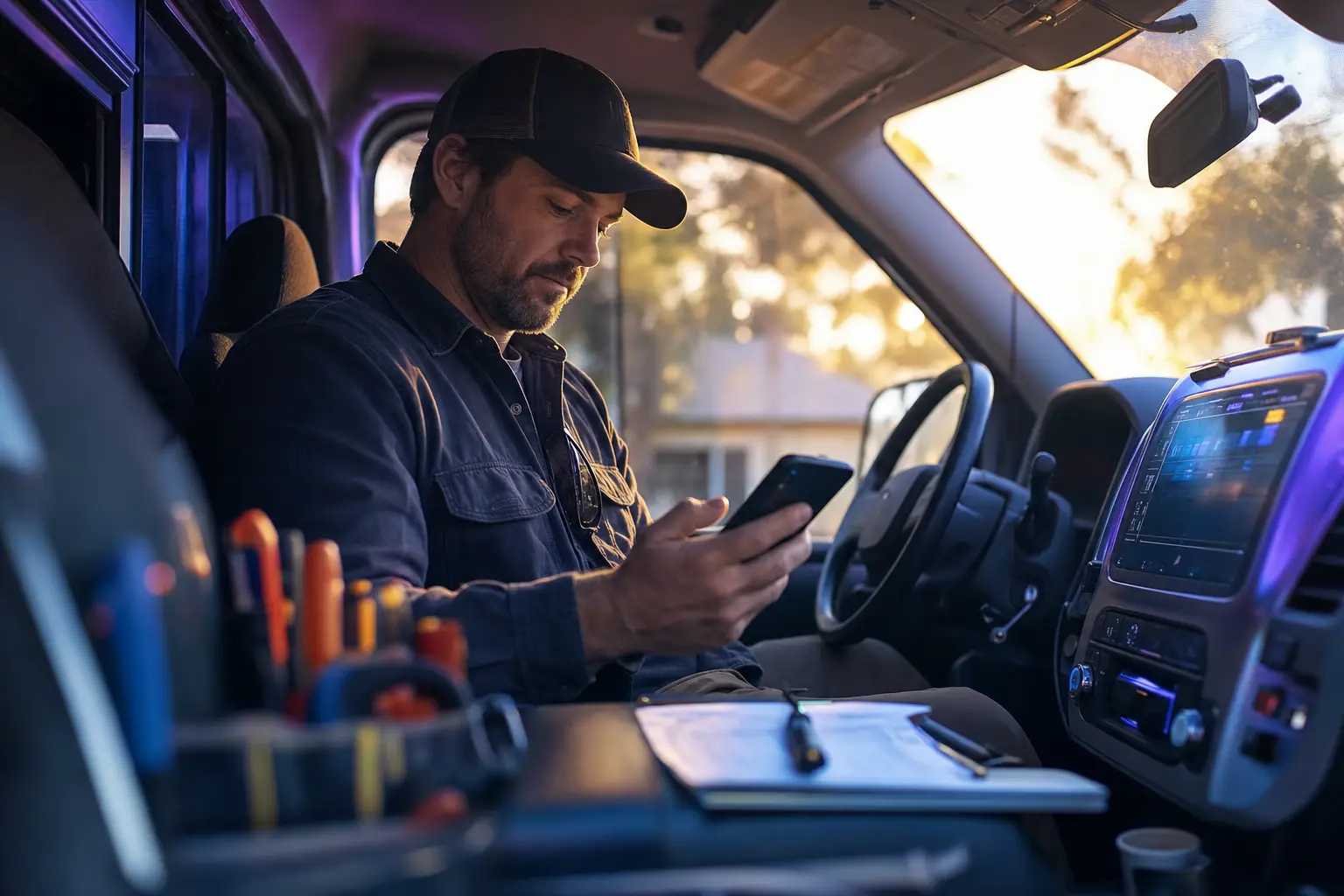
Most trades businesses don’t have a lead problem. They have a phone problem. The calls come in, but they come in while the owner is on a roof, under a sink, in a crawlspace, or asleep, and the caller does the reasonable thing: they hang up and call the next company on the list.
This guide is for owners of plumbing, HVAC, electrical, roofing, restoration, garage door, pest control, landscaping, cleaning, and similar home-service businesses who are trying to figure out what should answer the phone when they can’t. It covers the options honestly, including the ones I don’t sell, and ends with a checklist you can use with any vendor.
Why trades lose jobs to missed calls
Not every missed call is equal, and treating them the same is where most phone setups go wrong.
Urgent calls are the expensive ones. A pipe is leaking into a ceiling, the furnace quit in January, the garage door is stuck open with the car inside, a tree is on the roof. The caller wants someone today, and they are calling several companies at once. Whoever answers and gives a clear next step usually gets the job. Calling back an hour later often means calling back a person who has already booked someone else.
Routine calls are more forgiving. Someone wants a quote for a fence, a seasonal tune-up, a lawn program, a repaint. These callers will often wait for a callback, but they still remember who answered, and a quote request that sits until Friday quietly goes cold.
Then there are the structural reasons calls get missed:
- The on-the-roof problem. In small shops the person who answers the phone is also the person doing the work. You can’t take a call with both hands on a ladder or a torch, and you shouldn’t try.
- After hours. Emergencies don’t keep business hours, and plenty of routine callers phone in the evening because that’s when they are off work.
- Peaks. A storm, a freeze, or a heat wave can bring more calls in a morning than in a normal week, exactly when everyone in the field is busiest.
- Spam and vendors. A large share of calls to a published business number are sales pitches and robocalls. Anything that answers your phone needs to handle those without waking you up.
Before choosing a solution, look at a week or two of call logs from your phone provider. How many calls were missed? What time of day? How many callers left a voicemail versus hanging up? Did any of them call back? That small exercise tells you more about what to buy than any vendor demo.
The options, compared honestly
There are four common ways to cover the phone. Each one is the right answer for someone.
Voicemail
It’s free and it’s already set up. The problem is that many callers, especially urgent ones, won’t leave a message, and those who do still have to wait for you to listen and call back. Voicemail works for a business with low call volume, mostly routine work, and an owner who reliably returns calls within the hour. For emergency trades it quietly loses the best jobs.
Live answering service (call center)
A person answers in your company name, takes a message, and follows a script you provide, which can include paging an on-call tech. The strengths are real: a human voice, judgment on odd calls, and decades of experience handling after-hours dispatch for trades.
The trade-offs are cost structure and depth. Most services sell a monthly block of minutes or calls with overage charges above it, so your bill rises in exactly the months you are busiest. Small plans often start in the low hundreds of dollars a month; a busy shop on per-minute billing can spend far more. Agents are covering many businesses at once, so they usually know your script, not your trade, and they may not ask the follow-up questions a dispatcher would. Some services add AI or bilingual coverage for extra fees. Read the contract for minute rounding, holiday rates, and what counts as a billable call.
Missed-call text-back
When a call goes unanswered, the system sends an automatic text: “Sorry we missed you, what can we help with?” Many CRMs and marketing tools include it, sometimes at no extra cost. It’s cheap, quick to set up, and good at catching routine leads who are happy to text.
It is weak for emergencies. Someone with water on the floor wants a voice, not a text thread, and the conversation still waits on you to reply. It also only works for mobile numbers that can receive texts, and US carriers require business texting to be registered (A2P 10DLC), which your provider should handle.
AI receptionist
A voice AI answers every call, holds a conversation, asks your intake questions, and acts on the answers: books a slot, texts a summary, transfers the call, or takes a message. Good ones sound natural and handle interruptions. They don’t get tired at 2 a.m. and they cost the same whether you get five calls or fifty.
The weaknesses: setup quality matters enormously, they can mishear addresses and names, and some callers simply want a human. A badly configured AI line is worse than voicemail because it feels like a runaround. If you want a deeper side-by-side of these last three options, I compared them in AI receptionist vs answering service vs missed-call text-back.
Plenty of shops end up with a mix: an AI or live service for after-hours and overflow, text-back as a safety net, and the owner’s cell for the regulars who have it anyway.
What an AI line has to do for a trades business
A generic “virtual receptionist” that takes a name and number isn’t much better than voicemail. For trades, the line needs to do five things well.
1. Triage first. The first job is deciding whether this is an emergency. That means a short set of questions you define: Is water actively leaking? Is there no heat and someone vulnerable in the house? Are there sparks, burning smells, or a dead panel? Is the roof open to the weather? Each trade has its own list, and the answers decide everything that happens next. If you want worked examples, I wrote out a plumbing emergency intake checklist and an HVAC no-heat call flow.
Safety calls get special handling. If a caller reports a gas smell, sparking, or anything that sounds dangerous, the line should tell them to get to safety and contact the gas utility or 911 before it collects anything else. No answering setup, human or AI, should be the caller’s first stop for a life-safety problem.
2. Collect what dispatch actually needs. At minimum: name, callback number, service address, job type, and urgency. Depending on the trade, also homeowner versus tenant versus property manager, gate or access notes, equipment make or age, whether it’s a repair or a quote, and how they heard about you. Addresses are where voice systems slip most, so the line should read the address back and confirm it.
3. Get photos when they help. A roof leak, a cracked windshield, a fence line, a pile of junk. A voice call can’t take a photo, but the line can text the caller a request right after the call (“reply to this text with a photo of the damage”). For estimating work, that one step can save a site visit.
4. Book or hand off cleanly. This is where you need to be precise about your software. Jobber, Housecall Pro, and ServiceTitan each have APIs or integration programs, but what an outside phone tool can do inside them varies by platform, plan, and vendor. Some tools write directly into your jobs board; others only send an email or text that a person re-enters. Ask any vendor to make a test booking in your own account during the demo. If a direct booking isn’t realistic, a well-structured text to the dispatcher with every field filled in is a perfectly good handoff. Some field-service platforms also sell their own phone or AI add-ons, so check what yours offers before buying something separate.
5. Transfer warmly when it matters. For true emergencies, the line should collect the essentials, then try to reach your on-call phone and tell the caller what’s happening (“I’m connecting you to the on-call technician now”). If nobody answers, it should say exactly what happens next and send the full details by text so whoever wakes up isn’t starting from zero.
What changes by trade
The intake questions differ for every trade, but the overall setup mostly comes down to one question: can a call at 2 a.m. mean damage is happening right now?
| Emergency-driven trades | Scheduled trades | |
|---|---|---|
| Examples | Plumbing, HVAC, electrical, water damage and restoration, roofing after storms, locksmiths, towing, garage doors, tree service after storms | Landscaping, cleaning, painting, pressure washing, pool service, fencing, concrete, solar, pest control (mostly), moving, junk removal, dumpster rental |
| What after-hours calls look like | Some are true emergencies; many are not | Almost all can wait until morning |
| Key job for the line | Triage, then reach a human fast | Capture details, book an estimate or callback |
| Escalation | Warm transfer or page on-call, with a fallback | Morning summary is usually enough |
| What to collect | Address, hazard questions, access, who is responsible for the property | Address, scope, size or quantity, preferred dates, photos |
| Biggest risk | Waking you for non-emergencies, or failing to wake you for real ones | Leads sitting unanswered until the weekend |
A few trade details are worth building into the script:
- Towing, locksmiths, and auto glass callers are often standing on a roadside or locked out. Location and vehicle details matter more than a street address, and these callers rarely wait.
- Restoration and water damage jobs often involve insurance. Asking whether a claim has been opened, and who owns the property, saves a call later.
- Roofing and tree service see huge spikes after storms. The line should be able to say honestly when you can get out and offer to put the caller on a list.
- Moving, dumpster rental, and junk removal are about dates, sizes, and access. A quote-ready intake (rooms or volume, floors, stairs or elevator, driveway space) beats a callback.
- Overflow is a use case on its own. If your office answers during the day but gets swamped, the line can take only the calls your staff miss and leave the rest alone.
What it costs
These are market ranges, not quotes. Prices change, and every vendor bundles differently.
- Voicemail: included with your phone service.
- Missed-call text-back: often included in a CRM or marketing platform you may already pay for; standalone tools are usually a modest monthly fee plus texting costs.
- Live answering service: usually a monthly plan with included minutes or calls and per-minute or per-call overage. Small shops commonly land in the low-to-mid hundreds of dollars a month; high-volume or 24/7 dispatch coverage can run well past a thousand.
- Subscription AI receptionist: commonly from a few dozen to a few hundred dollars a month, often with minute or call caps, and integrations or extra numbers sometimes priced as add-ons.
- Custom AI line you own: a one-time setup fee, then your own phone number and voice usage billed by the providers.
That last option is what I build. My AI Receptionist is $8,000 one time. It runs on your own Twilio number and your own accounts, books into Google Calendar, sends text and email confirmations, and can transfer calls to a backup phone; you pay the phone and voice providers directly for usage, with no subscription to me. It doesn’t ship with a native Jobber, Housecall Pro, or ServiceTitan connection, so for most trades the handoff is a calendar hold plus a detailed text and email summary, and we work out on the setup call whether anything more is realistic for your software. It makes sense when you’re confident you’ll keep the line for years. If you’re still testing whether coverage helps at all, a monthly service is the lower-risk way to find out.
When you compare, put everything on a three-year view: setup, monthly fees, expected overages in your busy season, and what you lose if you leave. With many subscription tools, the number and configuration live on the vendor’s system, so switching means starting over. I wrote more about that trade-off in owning your AI receptionist versus renting one.
How to evaluate and set one up
Use this list with any vendor, including me.
Before you buy
- Pull two weeks of call logs. Count missed calls by time of day and sort them roughly into urgent, routine, and spam.
- Write down your emergency definition in plain sentences. “Active water leak inside the house” is a rule; “anything urgent” is not.
- Decide who gets emergency calls after hours, in what order, and what happens if nobody answers in a few minutes.
- List the exact fields you need on every new job.
During the demo
- Call the line yourself as an emergency caller, then as a routine caller, then as a spammer. Listen for whether it asks your questions or generic ones.
- Give it a hard address: a unit number, a rural route, a street name that’s easy to mishear. See if it reads it back.
- Interrupt it, change your mind mid-call, and ask something off-script. Notice whether it recovers or loops.
- Ask to see a test booking or handoff land where your team will actually see it.
- Ask who owns the phone number and what happens to it if you cancel.
At launch
- Start with after-hours and overflow before you hand it every call.
- Read every call summary for the first two weeks and tighten the script where it guessed.
- Tell your techs what the handoff text looks like so they trust it.
- Recheck your emergency rules after your first busy weekend.
If you’d like to hear what a voice AI line sounds like before deciding anything, the live demo is at +1 (832) 861-0469. And if you want help working out whether your missed calls justify any of this, you can book a 20-minute call and bring your call log.
FAQ
What is the best answering service for a small contractor? +
It depends on what your missed calls are. If most are urgent jobs after hours, you need something that answers live, recognizes an emergency, and reaches your on-call tech. If most are routine quote requests during the day, a missed-call text-back or an AI line that collects the address and job type may be enough. Start by sorting a week of missed calls before you buy anything.
How much does an answering service for contractors cost? +
Live answering services usually sell blocks of minutes or calls each month, with overage charges above the block, so busy months cost more. Subscription AI receptionists are typically tens to a few hundred dollars a month, often with usage limits. A custom AI line you own costs more up front and then only your phone and voice usage.
Can an AI answering service book jobs into Jobber, Housecall Pro, or ServiceTitan? +
Sometimes, but do not assume it. These platforms have APIs and integration programs, and what an outside tool can actually read or write depends on the platform, your plan, and the tool. Ask any vendor to show a test booking landing in your account. If that is not possible, a clean text or email handoff to whoever dispatches is a reasonable fallback.
Should the AI transfer emergency calls to me? +
For trades where a call can mean active damage or a safety risk, yes: the line should collect the address and callback number first, then try a warm transfer or page your on-call phone, and tell the caller what happens next if nobody picks up. Gas smells and similar hazards should get safety instructions and a referral to the utility or 911 first.