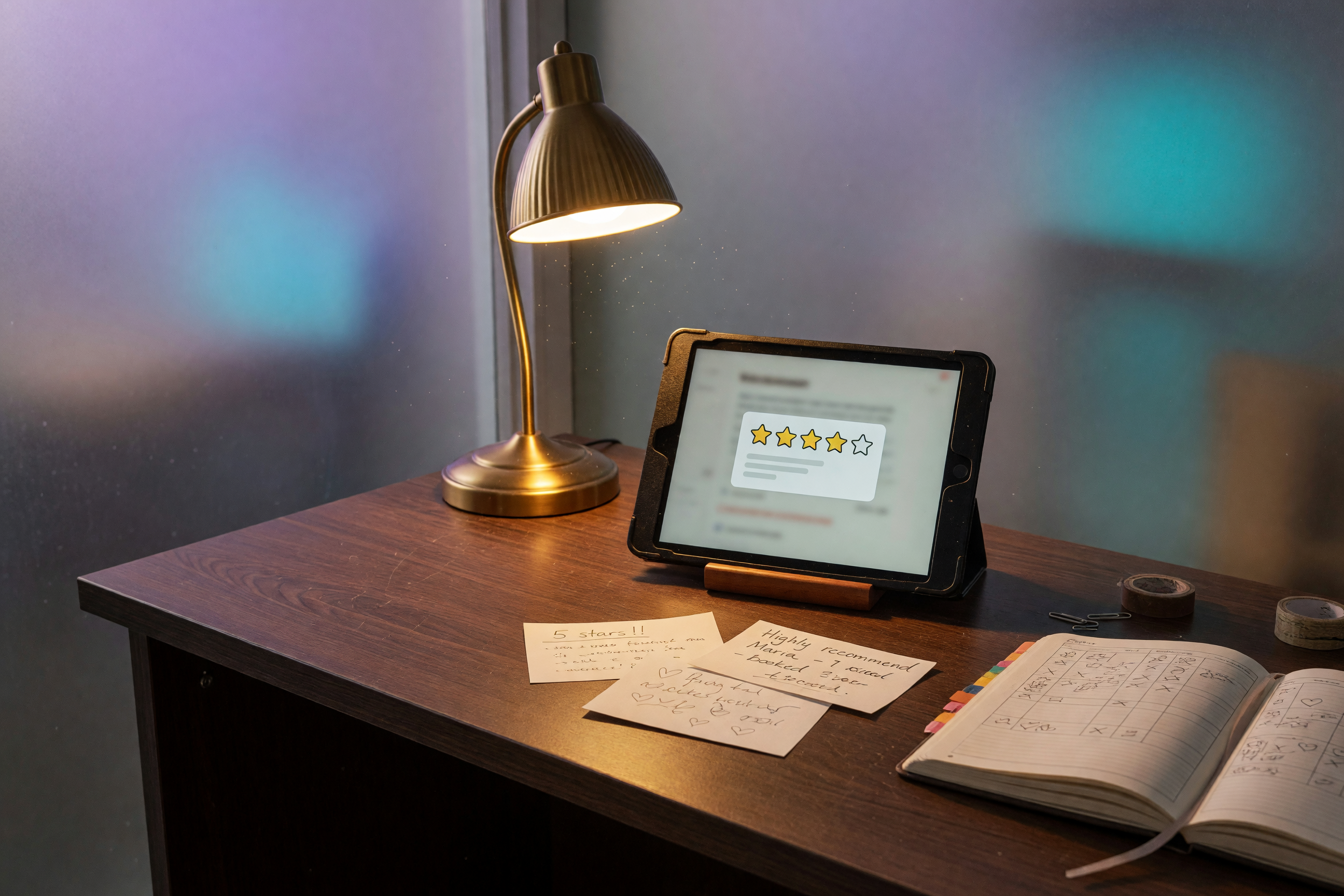
Jobber unscheduled requests from Claude is $3,500 once
Jobber unscheduled requests from Claude is $3,500 once. You own the read-only list. Jobber stays the record. No subscription. I do not schedule the visit.
In this article· 6 sections
Jobber already labels a request Unscheduled when an assessment is required and nobody set a date. The list sits under Requests. The question is whether you still open that screen, or ask it from Claude.
Short answer: Jobber unscheduled requests from Claude means you ask which requests are still New or Unscheduled and get that list back, with Jobber still the record. AI Front Door Look Up is $3,500 once: you own the connection, I do not add a subscription, and I do not schedule the visit. The same setup works in ChatGPT, Grok, and other AI apps that support MCP connectors. If you already filter that list every morning and you are the only person asking, do not buy.
MCP is the open standard those apps use to connect to a business’s tools. One connection to Jobber. Not a second request inbox.
What are Jobber unscheduled requests from Claude?
Jobber unscheduled requests from Claude are a read of requests Jobber already marks New or Unscheduled. New means no one has acted. Unscheduled means an assessment is required and Schedule later left it off the calendar. Jobber stays the record. The chat does not.
Jobber’s request help names the statuses. Unscheduled means an assessment is required and not scheduled. New means no further action. Converted and Archived are final. Overdue means the assessment date passed and it was not completed (Jobber).
That is not the unscheduled-visits sidebar. Jobber’s visit help says an unscheduled visit is a job placeholder with no date, in a sidebar you can drag onto the calendar (Jobber). If you meant that sidebar, say so. I will not wire the request list and call it the visit panel.
Requests are on every current Jobber plan (Jobber). The schedule is too (Jobber). A higher plan is not what creates the status. The requests still have to land in Jobber.
A chat bot that pastes yesterday’s export is a different product. The fork is MCP vs chat bots.
Questions this should answer once it is live:
- “Which requests are still unscheduled?”
- “Which new requests have no assessment on the calendar?”
- “Which requests came in this week and still have no date?”
- “Show unscheduled requests older than three days, with the client and the title.”
How much do Jobber unscheduled requests from Claude cost?
Look Up is $3,500 once for one system, read-only. Desk is $7,500 once if the same doorway should put a date on the assessment. Floor is $14,000 once when the office and the crew share it. Thirty-six months later my bill is still $3,500. Your Jobber subscription stays yours.
| Request list, by hand | AI Front Door Look Up | AI Front Door Desk | |
|---|---|---|---|
| Who asks | You, inside Jobber | You or the office, from Claude, ChatGPT, or Grok | Same apps, plus a scoped write |
| What they get | New and Unscheduled on the request list | That list, named fields only | The list, and an assessment date if I scoped it |
| Puts a visit on the calendar | You drag or edit | No | Only the write I scoped |
| Price to me | $0 | $3,500 once | $7,500 once |
| 36 months to me | $0 | $3,500 | $7,500 |
Jobber’s pricing page describes plans from $29 to $529 a month, billed annually (Jobber). A promo on that page runs through October 30, 2026, so the picker can differ. That bill is for the record. Spread my $3,500 across 24 months and it is about $146 a month. Across 36 months it is about $97 a month. I do not send a second invoice.
What does the unscheduled-request question look like?
The trigger is an owner or the office asking which requests have no date. The action is a read of New and Unscheduled. Jobber is the record. A date, a tech, a deposit, or a conversion waits for a person unless you bought the write.
- Trigger. “Which requests are still unscheduled?” The same sentence works from ChatGPT or Grok.
- Action. Read requests in New or Unscheduled. Return client, title, status, requested date when Jobber stored one, and how old the request is. Week one, I put the draft next to the request list.
- System of record. Jobber. Not the chat, and not a Monday sheet.
- Human escalation. Schedule later becoming a real date, a new client over your rules, a deposit, an emergency, or anything that converts the request into a quote or a job.
Who is on today’s board is a different question: today’s Jobber schedule from Copilot. Holding a slot from the thread is book Jobber from ChatGPT, Desk, not this list. An invoice chase is Workflow Automation at $3,500 once, live in 7 to 10 days.
What would I turn on first?
Start read-only, and only New plus Unscheduled. Do not turn on convert, assign, or schedule. If the names on that filtered list already match what you would have asked, and you are the only person looking, stop there and do not pay for a second copy.
Checklist before I take the build:
- Requests land in Jobber from the form, the client hub, or someone typing them. A voicemail that never becomes a request is invisible here.
- You can point at New and Unscheduled, not the visit sidebar, unless that sidebar is the leak.
- Someone asks more than once a week. A once-a-month click is a filter, not a build.
- Archived and Converted stay out unless you add them later.
When this isn’t the right move yet
Do not buy Look Up to schedule the assessment, to replace the phone, or to chase invoices. Those are three different jobs, and this one-time price covers none of them.
Skip it when:
- You open Requests, filter Unscheduled, and you are done in two minutes. $3,500 to skip a click you already make is a bad trade.
- The leak is the call that never became a request. That is the AI Receptionist, $8,000 once. You can call the live demo at +1 (832) 861-0469. Not a Jobber read.
- You want the assessment on Thursday at 2 and a text to the client. That is Desk, $7,500 once, and only after the read is right.
- You want Friday’s unpaid list or the invoice chase. That is Workflow Automation, a second quote, not a free add-on on this one.
- Two field tools, Jobber and Housecall Pro, both hold requests. One system is Look Up. Two systems are Desk.
What is not included?
The $3,500 does not schedule, quote, invoice, text, or review your web app. It does not cancel Jobber. It does not move unscheduled visits unless that sidebar is the list I wrote down.
A Web Application Security Review is a different offer: $2,400 per app, or $1,200 to start. A second named workflow is a second quote.
If the list is the actual leak, send the short form. I reply within 24 hours with the statuses I would read, what stays a human drag, and whether Look Up at $3,500 fits. Start with the audit. If you would rather talk through the workflow and whether it fits, book a 20-minute call.
FAQ
How much are Jobber unscheduled requests from Claude? +
Look Up is $3,500 once for a read-only list of Jobber requests still in New or Unscheduled. You own the connection. I do not add a subscription. Desk is $7,500 once if the same setup should put an assessment on the calendar. Floor is $14,000 once when the crew shares it. Dragging the date yourself stays inside Jobber.
Does Unscheduled in Jobber mean there is no visit? +
Jobber calls a request Unscheduled when an assessment is required and Schedule later was checked, so it has no calendar date. New means no action yet. An unscheduled visit is different: a job visit with no date, in the schedule sidebar. Say which list you mean before you pay me to read the wrong one.
Will this book the visit from Claude? +
No. Look Up reads the list and stops. Putting a date on the assessment, assigning a tech, or converting the request into a job is a write. That is Desk at $7,500 once if I scope it, or you drag it in Jobber. A call that never created a request is the receptionist, not this list.
What is not included for $3,500? +
Not scheduling, not a quote, not the invoice chase, and not a security review of your app. Jobber stays your subscription. Archived and Converted stay off the list unless you ask for them. A second system, such as Housecall Pro plus Jobber, is Desk at $7,500, not Look Up.